



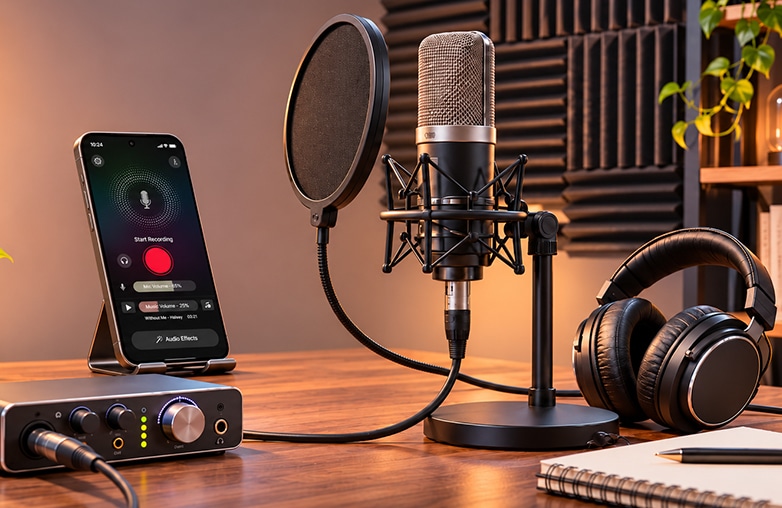
Podcast equipment for beginners doesn’t always have to be expensive. You can start with a few simple things and still make a big difference. In fact, you may already have some of the equipment at home. Many podcasters start recording from home and gain popularity over time.
It’s not about buying expensive tools but choosing the right equipment. From headphones to voice recorders and editing tools, you will find all the details in this blog. So, bookmark this blog and start recording!
What You Really Need for a Beginner Podcast Setup
Most podcasts begin with a short list: something to record with, something to listen with, a quiet room, an editing app, and a place to publish. Everything else can wait.
Best Budget Headphones for Podcast Recording
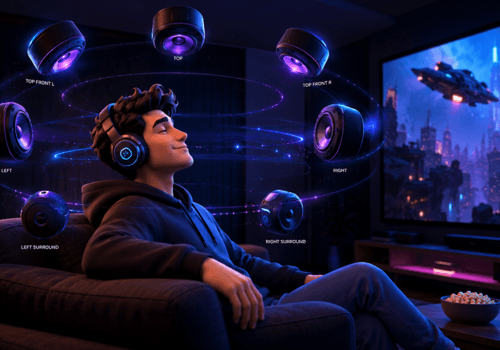
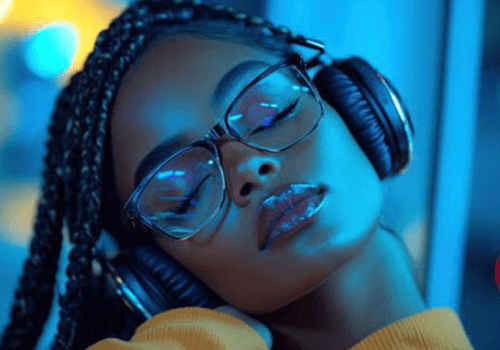
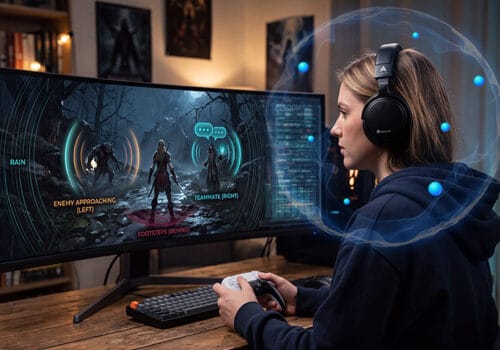
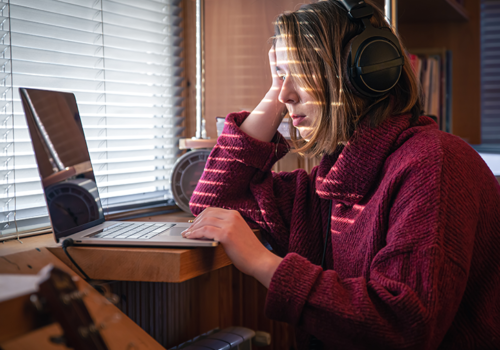
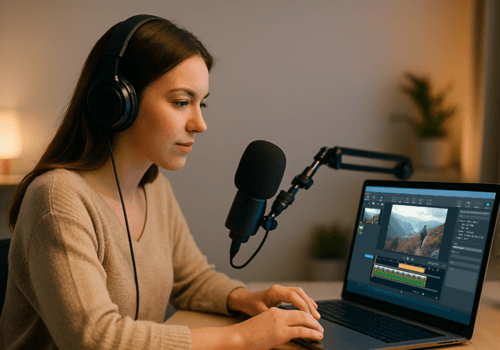
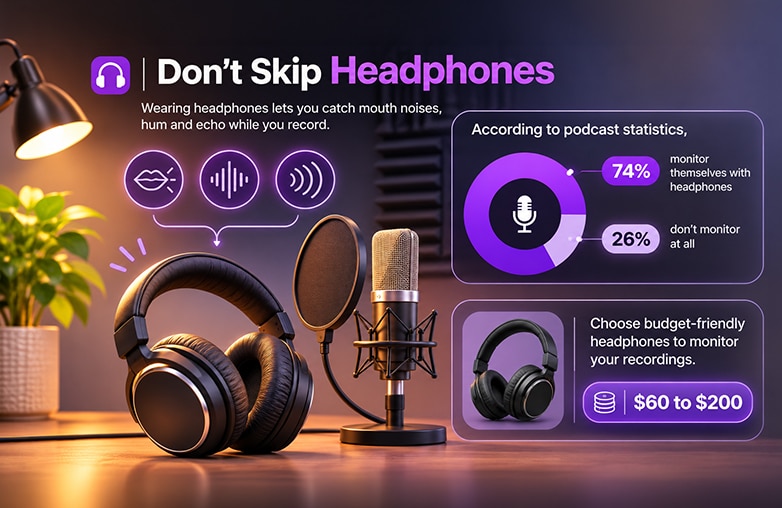
Wearing headphones lets you catch mouth noises, humming, and echo while you record. According to podcast statistics, 74% of podcasters monitor themselves with headphones, while 26% don’t monitor at all.
Choose budget-friendly headphones to monitor your recordings. Decent pairs cost roughly $60 to $200.
Podcast Equipment for Beginners
Your Phone: Budget-Friendly Podcast Equipment for Beginners
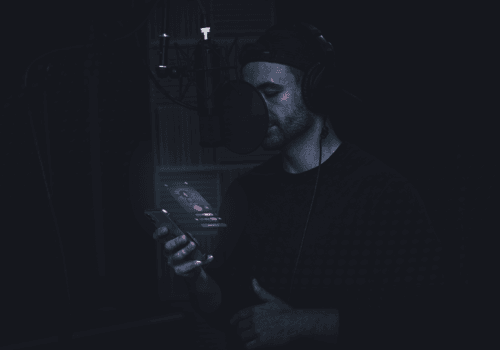
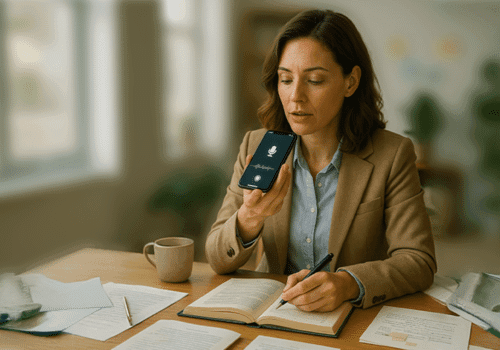
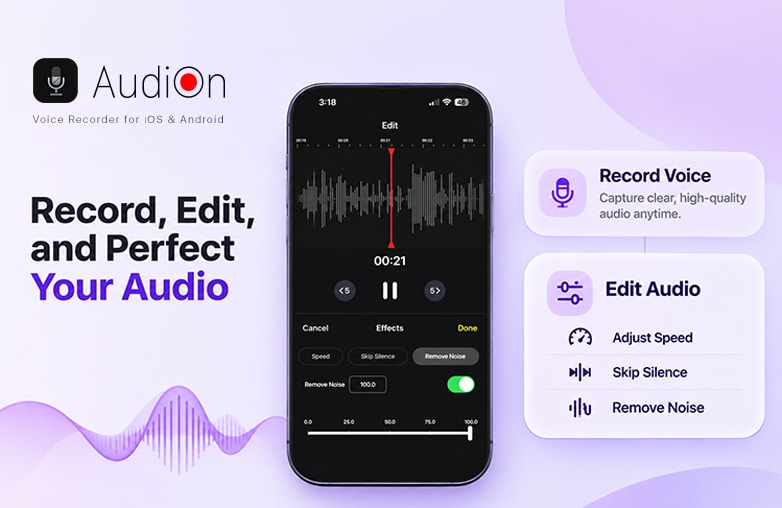
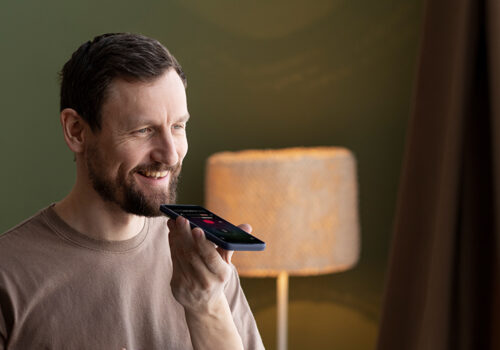
Your phone is the cheapest microphone you own. You can start using a voice recorder app that lets you record without buying a microphone. One good option is AudiOn which is available for iPhone and Android. It lets you record your voice using your phone’s microphone. You can also boost the microphone sensitivity by up to 200% and adjust it.
If this topic interests you, this blog is worth a read: How to record a podcast without a microphone.
A Recording and Editing App: AudiOn
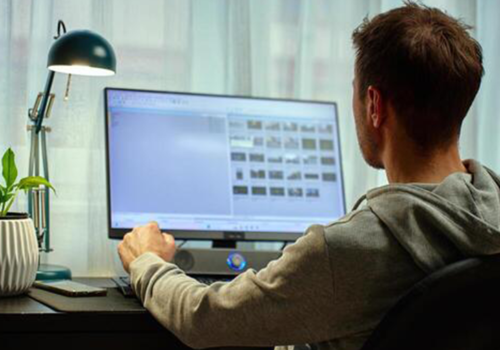
Raw audio may include several mistakes, which can make your recordings sound unprofessional. You need a voice editing app to make your recordings sound clear and professional.
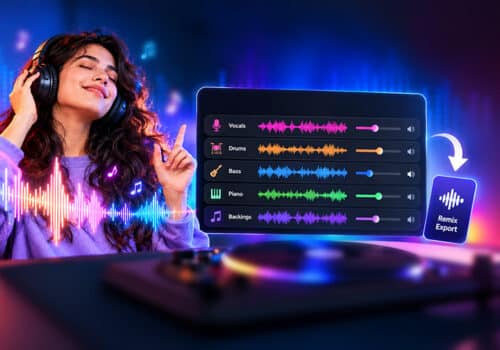
AudiOn is the best solution, as it combines recording and editing in one app. It is used by beginners and seasoned pros. It is easy to use and doesn’t require complicated settings. You can capture audio in lossless quality, so every detail of your voice comes through. It also lets you access different mic modes on iOS; it is useful for beginners who record in an imperfect room.
It offers audio effects and EQ presets to improve the clarity of your recordings. Live transcription is built in, so you don’t need a separate app. That’s useful for show notes and blog posts. There are pitch and speed controls. Teleprompter helps with scripts, timestamps to bookmark your recordings. You can also use geotagging, clip tagging, and editing tools to trim, cut, merge, and split recordings. AudiOn also offers copyright-free music for your recordings, app lock to keep your recordings safe, and more. AudiOn lets you record, edit and keep your recordings organized in one app.
You may find this blog informative: 5 best podcast recording software.
Budget Podcast Recording Headphones
How to Set Up a Quiet Podcast Recording Space at Home
Your recording space matters more than an expensive mic. Hard walls bounce sound around and create echoes. Record in a room with soft furniture. Close windows, turn off fans, and silence notifications. Record inside a walk-in closet full of clothes. Fridge hum and traffic are easy to miss until you hear the playback.
Record a few lines, then listen with headphones before you start the real episode. It saves you from redoing a whole recording.
A Good Internet Connection
You need a good internet connection to upload your recordings smoothly. A steady connection keeps everything easy. You can finish your episode without breaks. Once you’re done, you also need the internet to upload your episode to your podcast hosting platform. A slow connection can make this take a long time or even fail. You don’t need an expensive plan, just one that stays stable.
Best Free Podcast Hosting Platform
A hosting platform stores episodes and generates the RSS feed that sends them to Apple Podcasts, Spotify, and other directories. Beginner-friendly and free or low-cost options include:
- Spotify for Creators (formerly Anchor): free hosting and distribution
- Buzzsprout: a free plan with limited monthly uploads
- Podbean: a free tier to get started
- RSS.com and Acast: worth comparing as you grow
Submit your feed to Spotify, Apple Podcasts, and YouTube Music so listeners can find you wherever they already listen.
Common Beginner Podcast Equipment Mistakes to Avoid
- Buying expensive gear before recording a single episode
- Recording in a large, empty room
- Skipping headphones
- Forgetting to do a short test recording before every session
Bottom Line
These are some of the essential pieces of podcast equipment for beginners. Start with the basics, record a few episodes, and upgrade when needed. Ready to start? Grab your phone, download AudiOn, find a quiet corner, and hit record.
FAQs
What is the most essential podcast equipment for beginners?
A phone, headphones, a quiet space, an editing app, and a hosting platform.
How much does a podcast starter kit cost?
An affordable podcast equipment setup runs about $150 to $300.
Can I record a podcast on my phone?
Yes. Find a quiet room, hold the phone steady, record and edit in an app like AudiOn.
How long does it take to set up a podcast?
Most beginners can get a basic podcast setup ready in a day. The extra time goes into planning episodes and learning to edit.
What is the best app to record a podcast on my phone?
Apps like AudiOn let you record in high quality and edit in the same place. It offers powerful features to record and edit your podcasts.



Leave a Reply
You must be logged in to post a comment.