





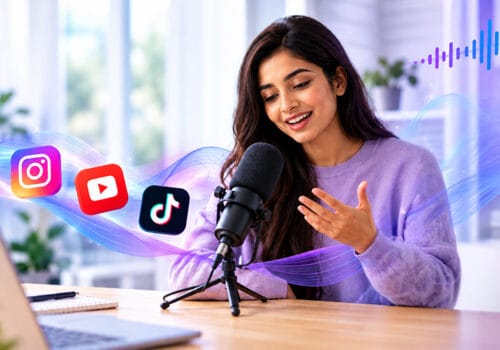











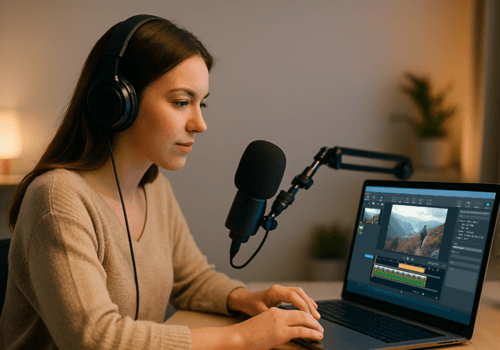





Searching for the best podcast recording software can be just as challenging as recording a podcast. There are so many options that it can be hard to decide which one to choose. When you’re just starting, you want your podcast to stand out in your niche.
Podcast recording software plays a crucial role in making your content stand out. From AudiOn to Audacity, there are plenty of options. You just need to know which one is right for you. We have curated a list of the top 5 apps to help you choose the best.
Best Podcast Recording Software
AudiOn: Podcast Recording and Editing Software
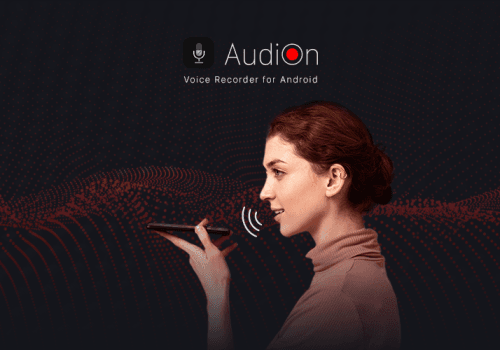
AudiOn is one of the best podcast recording tools for your phone. It is a voice recorder and editor app that is easy to use with powerful features. You should give AudiOn a try because you don’t need two different apps. You can record and edit in the same app, and the best part is you can do it all with your phone.
Additionally, you do not need expensive equipment or a microphone when you have AudiOn. It uses your phone’s built-in microphone and it offers a feature called Mic Boost. You can boost your microphone’s sensitivity by up to 200% and adjust it as needed. AudiOn offers advanced features like transcription, a teleprompter, geotagging, skip silence, timestamps, audio ducking, audio effects, equalizer presets, pitch adjustment, background music, and more. You can also trim, merge, and split clips, organize files, rename and tag recordings, sort, filter, and search recordings. You can record your podcast in different audio formats, including MP3, WAV, and FLAC. You can also choose your preferred recording quality, such as 96 kbps, 192 Kbps, or 320 kbps, and select between mono and stereo recording channels. You can also import recordings from your phone and make them better with AudiOn. It is a one-stop solution for voice recording and editing in one app. AudiOn also allows you to access different iOS mic modes. You can download AudiOn from the App Store or Google Play Store.
Why AudiOn: Advanced features at a budget-friendly price. You can record and edit in one app on your phone. It also offers an app lock to keep your recordings safe.
Find helpful information in this blog post: How to start a podcast for free.
The best podcast recording software includes AudiOn, Audacity, Riverside, Adobe Audition, and Cleanfeed. AudiOn supports mobile recording and editing, Audacity offers free desktop tools, Riverside handles remote interviews, Adobe Audition provides advanced audio editing, and Cleanfeed focuses on high-quality remote audio recording.
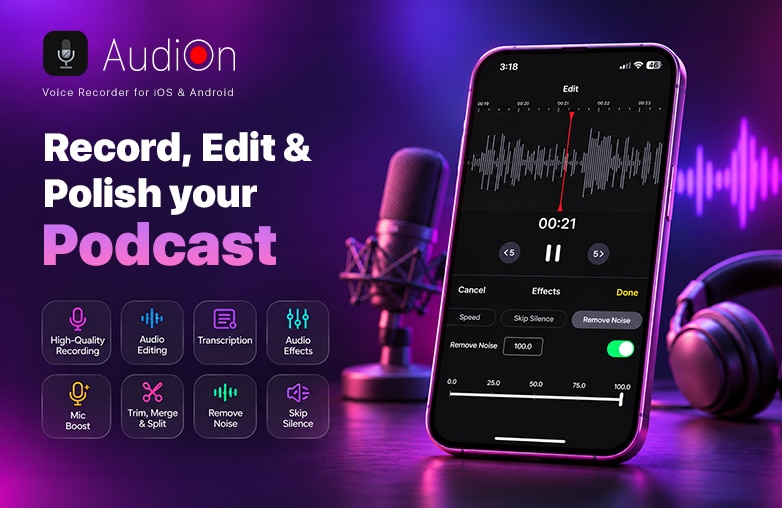
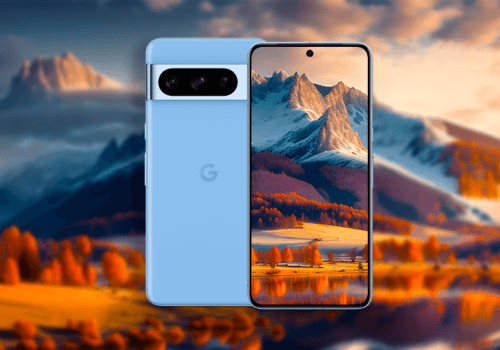
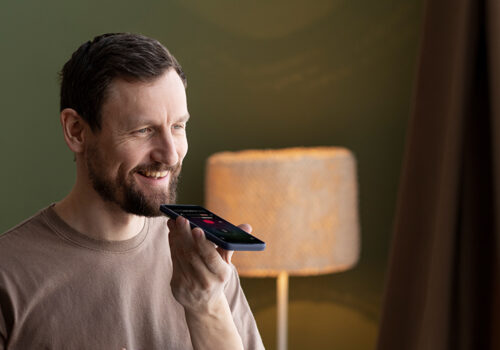
AudiOn mobile podcast recording and editing app
Audacity: Best Free Podcast Recording Software
If you’re looking for free audio recording and editing software, try Audacity. It supports multitrack recording, plug-ins, effects, and waveform editing on macOS, Windows, and Linux. It is a great option for beginners on a budget. However, it can be a little tricky to use if you have never used audio recording and editing software.
It also supports several audio formats, giving you more control over how you save and export your recordings. So, if you’re tight on budget and are willing to spend some time and learn as you go, you can download Audacity.
Why Audacity: Free and open-source with no subscription fees. Supports Windows, macOS, and Linux.
Riverside: Podcast Recording Software for Remote Interviews
One of the best podcast recording software options for high audio and video quality is Riverside. It records each person on their own device, not from the compressed audio and video sent over the live call. It uploads each participant’s files separately while the session runs, and paid plans support 4K video and uncompressed 48 kHz WAV audio.
That’s the main difference between Riverside and a regular meeting app. If a guest’s video freezes during the conversation, the saved file can still come out sharp because it’s made from their original camera and mic feeds before the internet connection can degrade them. Riverside combines recording, editing, and publishing. It is also one of the best podcast recording software for beginners.
Why Riverside: Records each person’s audio and video on their own device, as separate tracks. Keeps the final recording quality steady even when someone’s internet connection is unstable. Works on Windows and Mac, with a dedicated Mac app plus iOS and Android apps.
Adobe Audition: Podcast Recording Software With Advanced Tools
If you’re looking for podcast recording software with advanced audio tools, Adobe Audition can be your best bet. It includes multitrack editing, advanced noise reduction to remove hissing, static noise, and other background distractions. You can also edit waveforms, apply effects, and balance audio levels.
It supports batch processing and spectral editing, which let you find and fix individual sound issues. It connects easily with Adobe apps like Premiere Pro, a big help for video podcast work.
Why Adobe Audition: Professional-grade tools for audio editing, strong cleanup and restoration features, and integration with Adobe Creative Cloud.
Cleanfeed: Record Podcast with Remote Guests
Cleanfeed is excellent for recording clear, high-quality, low-latency audio from remote guests. It’s made for live broadcasting. Professional teams and broadcasters use Cleanfeed.
It records multitrack audio for up to 32 guests. It also has advanced options for mixing several hardware sources at once or sending tracks live into other software. Its audio repair feature helps you get clean sound even in a very noisy environment. It’s easy to use and a good choice for beginners. However, it only records audio, so if you want to include video, you will need separate video podcasting software.
Why Cleanfeed: Send a live audio feed from any location straight back to your studio. Connect with guests from anywhere. It runs in the browser on Windows, Mac, Linux, and Android. Guests can also join from an iPhone or iPad.
You might also be interested in this blog: How to record a podcast without a microphone.
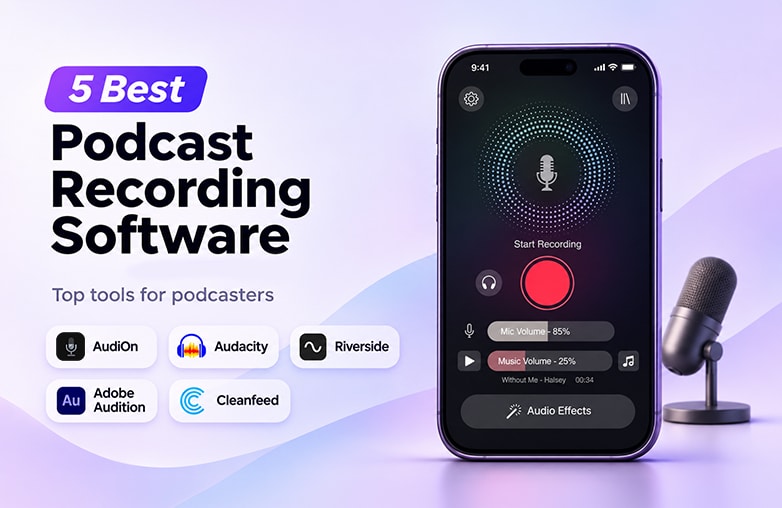
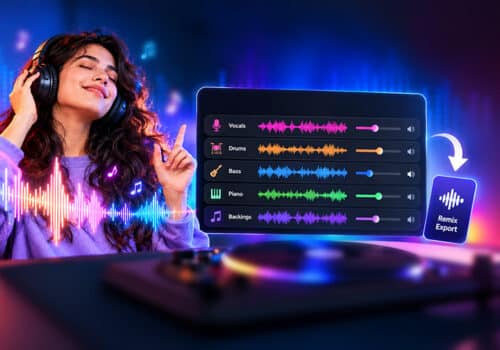
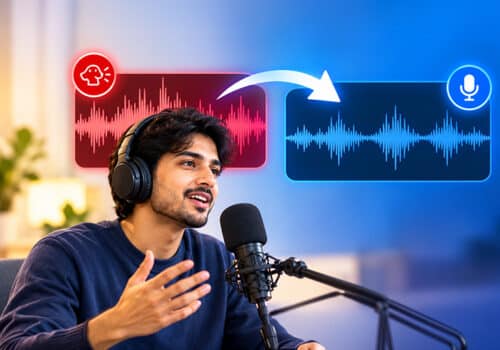
Podcast recording software with multitrack audio
Bottom Line
The best podcast recording software is the one that makes recording easier and helps you get good audio quality. Go through these 5 options and download the software that meets your requirements and budget.
FAQs
What is the best podcast recording software?
Some of the best podcast recording software are AudiOn, Audacity, Riverside, Adobe Audition, and Cleanfeed.
What is the best free podcast recording software?
Audacity is free podcast recording software.
Which podcast recording software is good for beginners?
AudiOn, Riverside, and Cleanfeed are great for beginners.
What is the best podcast recording software for remote interviews?
Riverside and Cleanfeed are good for remote interviews.
Is there podcast recording and editing software that works in one app?
Yes, AudiOn lets you record and edit in the same app.




Leave a Reply
You must be logged in to post a comment.