
































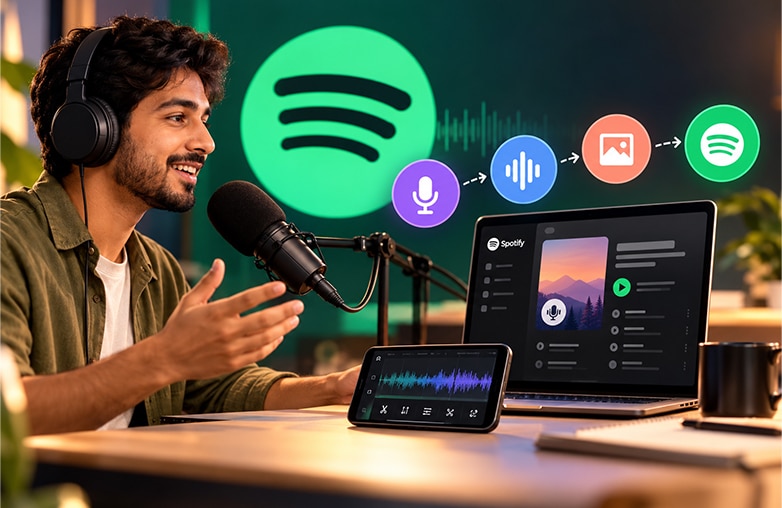
Starting a podcast can bring up a mix of emotions. There’s excitement, anticipation, and nervousness. You may also wonder how people will respond to your ideas or opinions, and it’s completely normal to fear being judged. Somewhere in all of that, you have hope of people listening to your thoughts and sharing them. If you’re planning to start a podcast on Spotify, you already have access to a platform where millions of people listen to podcasts. A good Spotify podcast recording starts with the right recording setup and tools.
Whether you’re a beginner or an experienced creator, this guide will walk you through how to start a podcast on Spotify. Read on to learn how to record crystal-clear recordings with AudiOn! Get ready to dive into the Spotify Podcast guide.
Things You Need to Start a Podcast on Spotify
According to Edison Research’s The Infinite Dial 2026, 58% of Americans aged 12 and older consumed a podcast in the last month, while 45% consumed one in the last week. The research also found that 57% had both listened to and watched a podcast. This highlights the growing demand for video alongside traditional podcast listening.
To start a podcast, you don’t need to invest in an expensive setup. Spotify for Creators makes it easier to publish your podcast, while your recording setup should include:
| Things You Need | Options |
| Recording Device | Phone, Laptop, or Computer |
| Microphone | Built-in mic or USB microphone |
| Headphones | Any headphones |
| Recording Space | Quiet room with no or less echo |
| Voice Recording and Editing Tool | AudiOn |
| Hosting | Spotify for Creators |
| Cover Artwork | Simple square podcast artwork |
| Podcast Content | Episode outline, script, or talking points |
You need to start with equipment you already have instead of waiting until you can afford a professional setup. This Spotify Podcast guide can help beginners create good content and clear audio without a heavy investment.
This blog could provide valuable insights: Best Adobe Podcast Alternatives.
Beginner podcast recording setup
Choose a Podcast Topic and Format
First, decide what your podcast will be about and choose a niche. Pick a niche that you are comfortable discussing. It can be fitness, personal growth, spirituality, interviews, or business.
Next, decide the format. Decide whether you want to do a solo podcast, storytelling, news or commentary, co-hosted conversations, or another format. Your choice of format can also influence how you approach Spotify podcast recording if you’re recording multiple voices or conducting interviews.
You need to think beyond your first episode. The topic and format you choose should give you enough ideas rather than leaving you to think about what to discuss after 2-3 episodes. Moreover, choose a podcast name that is easy to pronounce and is unique (not used by other creators).
Read this blog for more interesting details: How to remove hissing and static noise from recordings.
Record Your Podcast With Better Audio
Once your topic and episode outline is ready, it’s time to start recording. A smartphone, headphones, and a quiet room are enough. Regardless of your topic, podcast audio quality plays an important role in the listening experience. You need to give special attention to the clarity of speech.
How to Record a Podcast for Spotify
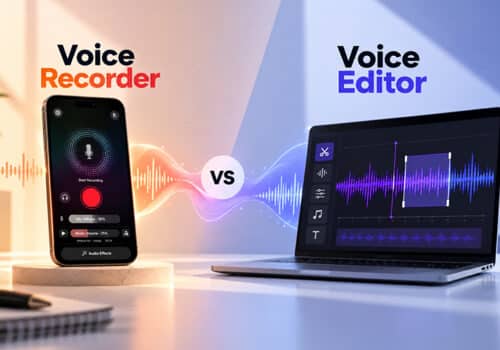
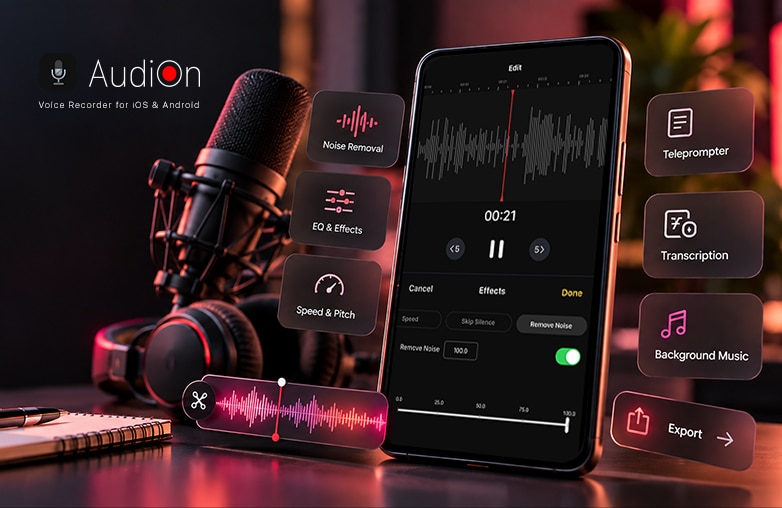
This is where AudiOn can be helpful if you want to record and improve your podcast audio from your phone. AudiOn is a podcast recording app for iOS and Android. It helps podcasters record and edit their recordings.
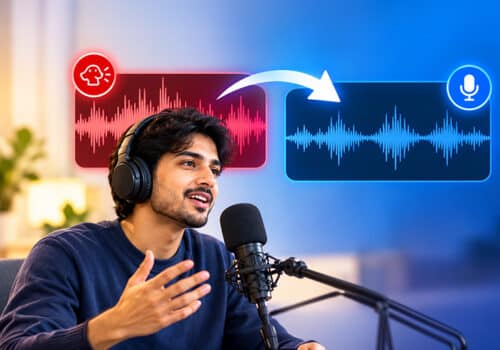
For example, if your recordings include background noise, you need not re-record them; you can use AudiOn’s editing features to reduce background and other distracting noise.
AudiOn also includes Mic Boost and background noise reduction features that are helpful when the environment is less ideal.
How to Edit and Improve Podcast Audio
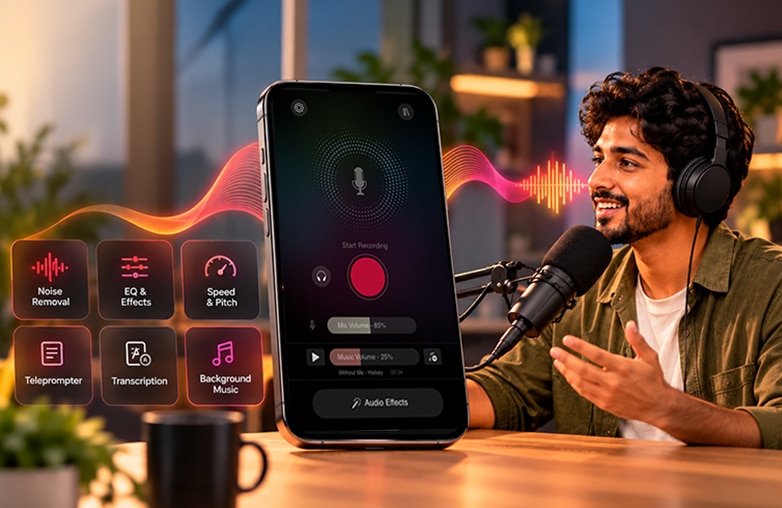
Your voice recording should sound natural; you don’t have to edit every pause. You should aim to make your recordings sound natural and engaging. You can remove background distractions, awkward pauses, and irrelevant sections. To make podcast editing quicker and easier, you can use AudiOn. It offers audio enhancement and editing features to help clean up recordings.
You can use tools such as voice isolation, audio ducking, EQ presets, reverb, trim, merge, split, and other audio adjustments before preparing to publish your episode. AudiOn is a podcast recording software option with editing features that can help improve your recordings.
Create Spotify Podcast Artwork and Description
The first thing that your audience notices is the podcast’s title, cover, and description. Let your description explain what listeners can expect. Include podcast keywords but avoid stuffing them into every sentence.
Your cover artwork should be easy to recognize when displayed as a small thumbnail. Keep the title, cover, and description attractive and unique while making them easy to understand and connect.
Upload and Publish Your Podcast on Spotify
Once you’ve finished recording, you can use Spotify for Creators to host your podcast. If your show is hosted with Spotify for Creators, it is automatically published to Spotify when you publish an episode. Spotify works in this order: create your show, add your podcast information, upload your episode, add a title and description, review and publish.
If you create a video podcast, Spotify supports video podcast publishing through Spotify for Creators on the web. However, video podcasts demand extra attention; you need to be careful with lighting, camera positioning, framing, and video editing.
This blog could provide valuable insights: How to create viral-ready music with AI stem separation.
Podcast creator editing recorded audio
Final Thoughts
Learning how to start a podcast on Spotify does not require you to build a professional recording studio. This Spotify podcast guide covers important tips and tricks, from choosing a topic to planning your episode to Spotify podcast recording, editing, publishing, and promotion.
Get started with your podcast and include a voice recorder and editing app like AudiOn to make your content shine.
FAQs
How do I start a podcast on Spotify?
Choose a topic and format, record and edit your first episode, create podcast artwork and description, and upload your first episode through Spotify for Creators.
How much does it cost to start a podcast on Spotify?
Spotify for Creators provides free podcast hosting and tools for creating and managing your show.
Do Spotify podcasts get paid?
Yes, eligible podcasters can make money on Spotify through ads, subscriptions, sponsorships, and Spotify’s monetization programs.
How can I record a podcast for Spotify?
You can record using your phone. AudiOn can be used to record and edit voice recordings before you publish them.
How long should a Spotify podcast episode be?
You should be able to cover the topic properly. There is no fixed number of minutes or hours; the right length depends on your topic and format.