





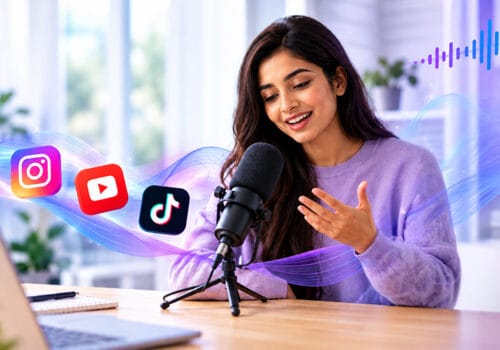











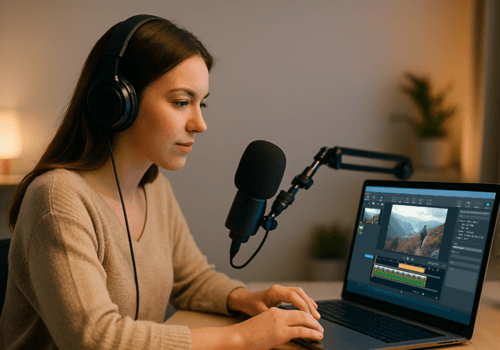



Entering the world of podcasting is a brave decision. You decide to discuss your expertise, give your opinion, and you are also preparing to be judged. You may have a lot of thoughts running through your mind. It takes time to feel comfortable and speak like your favorite podcaster.
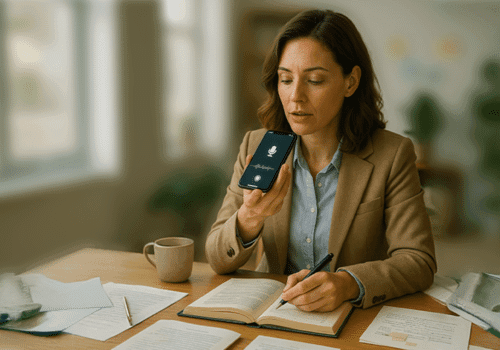
You can record a podcast without an external microphone by using your smartphone’s built-in microphone and a podcast recording app like AudiOn. Record in a quiet room, position your phone close to your mouth, and use audio enhancement and editing tools to improve voice clarity.
In the beginning, you might spend most of your time recording, editing, deleting, and re-recording. You just want to make sure your first podcast is free from all the errors. Apps like AudiOn can make your recording process easy and help improve the sound of your voice. You can also record a podcast without a microphone and make your recordings sound professional with its features. Read on to make podcast recording a breeze.
The Growing Demand for Good Podcasts
You might have found inspiration somewhere to start a podcast. Open Spotify, and you’ll find plenty of podcasts to listen to. Apple Podcasts and YouTube have many shows too. You can also see these creators promoting their content on social media platforms.
According to Pew Research Center, over half of the U.S. adults (54%) have listened to a podcast in the past 12 months, and about two-thirds of 18 to 29-year-olds have. So, it’s clear that podcasting is in high demand, and you can start podcast recording right from your home.
Is Your Phone Microphone Enough?
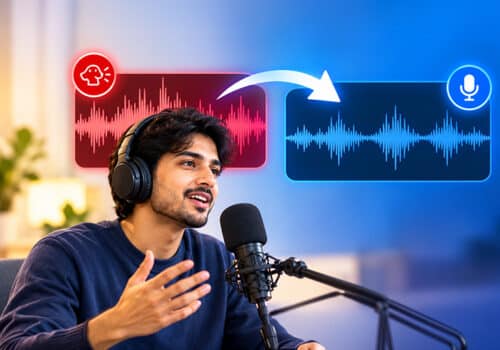
You may have this question in mind: Is the phone microphone good enough as a studio mic? Your phone microphone can work well if you choose the right recording tool and place. In the beginning, yYour listeners may hear echoes, hissing, or static noise, traffic, dogs barking, and other background noise. The right app can reduce these background distractions.
You can payPay carefulmore attention to the recording room instead of than the gear. If you want to record audio at home, find the softest space you have. Your recording space should include soft furnishings, such as curtains, carpets, and a bed; it’s better to record in a bedroom rather than in a kitchen or bathroomlarge unfurnished spaces. Did you know some people even prefer recording in a closet full of filled with clothes? This sounds silly, but yourthe recordings can sound great. Always hold the phone a hand’s width from your mouth, a little off to one side so your breath doesn’t blow directly into the built-in microphone.
How to Record a Podcast on Your Phone Using AudiOn
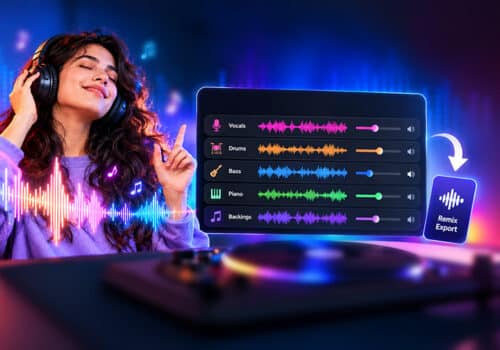
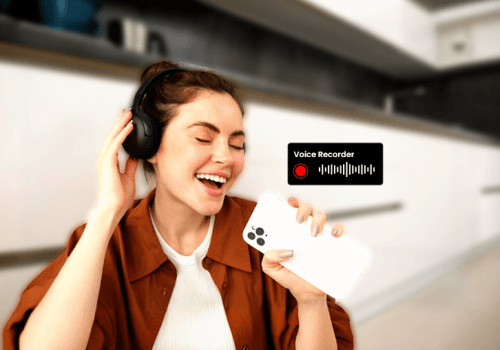
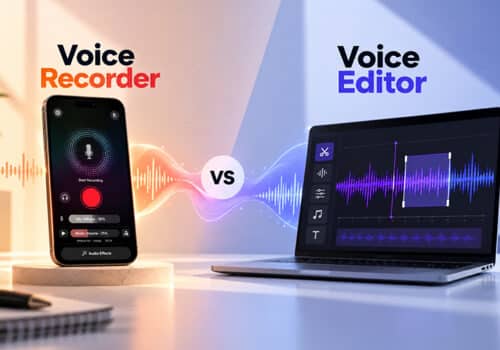
A basic voice recorder will only captures sound, but a premium podcast recording app like AudiOn offers professional-quality recordings. AudiOn is one of the best podcast recording apps for iOS and Android. Moreover, it’s a voice recording and editing app for your phone. It’s an all-in-one app for podcasters. When using AudiOn, you don’t need a separate microphone; your phone’s built-in microphone is enough. Additionally, AudiOnAudiOn also offers Mic Boost; you can boost the microphone’s sensitivity to 200% and adjust it. You can record a podcast without a microphone and get crystal-clear recordings on your phone.
It has various features to improve your recordings. You can also import voice recordings from your phone and make them better with AudiOn. Some of its features areIts features include audio effects, equalizer presets, a teleprompter, skip silence, timestamps, geo-tagging, live transcription, and more. You can also makeimprove your recordings interesting by adding background music; there is a list of copyright-free music available on AudiOnAudiOn provides users with copyright-free music. You can also trim, merge, and split clips right in the app. It also helps keep your recordings organized. You can rename and tag recordings and sort them into folders. It also has an app lock if you’re recording anything private.
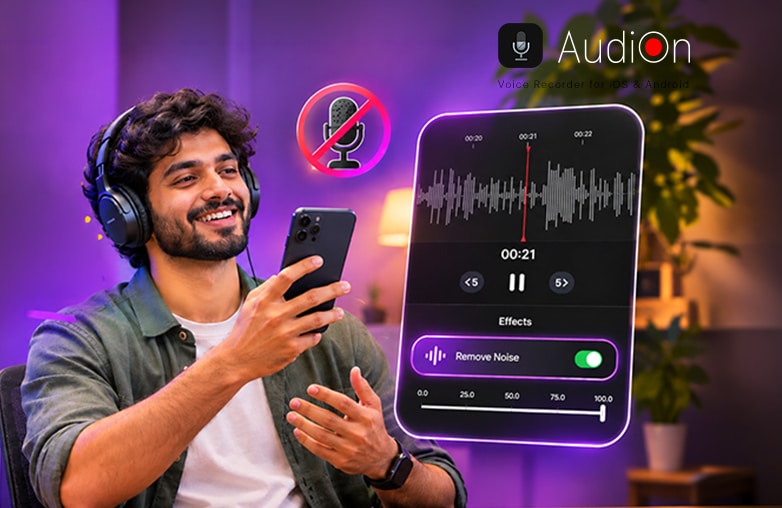
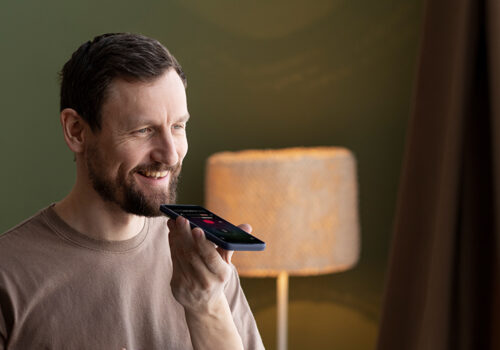
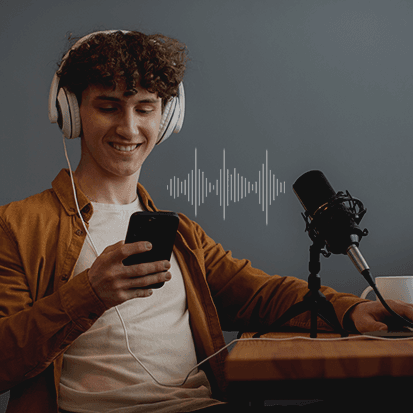
Record a podcast using a smartphone without an external microphone
When to Buy a Microphone for Recording
If you feel like buying a USB microphone, that’s fine. However, it’s not a good idea to invest in a microphone during the early podcasting stagetoo early. AudiOn is an excellent option for recording your voice without using an external microphone.
If you already have 10 or more episodes that your audience has engaged with and still feel the need for a microphone, you can buy one. Until then, use smartphone voice recording and a quiet room to make your recordings sound professional.
You may find useful information in this blog: How to start a podcast for free without equipment.
Bottom Line
This is how you can record a podcast without a microphone using AudiOn. Why spend on microphones when you can record clear audio from your phone’s built-in microphone? You can create powerful recordings that make an impact on your audience without spending much. Download AudiOn on iOS or Android to make podcast recording more easier and more budget-friendly.
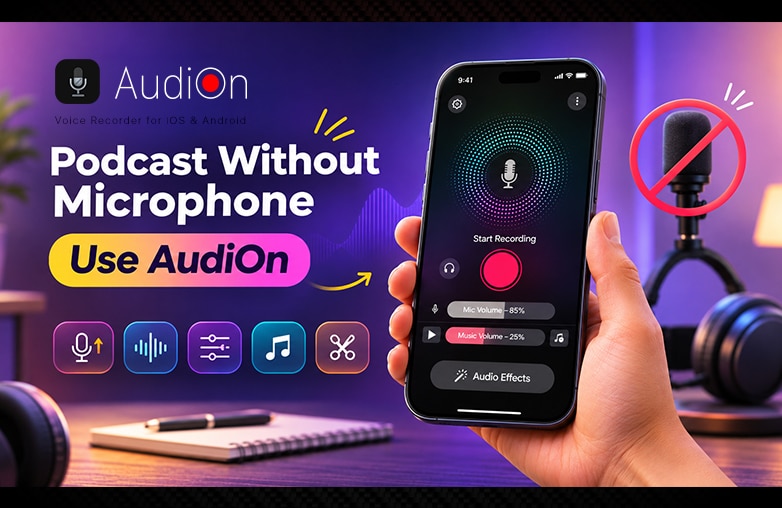
Smartphone Podcast Recording Setup
FAQs
How to record without a microphone?
You can use AudiOn to record without using a microphone. AudiOn records using your phone’s built-in microphone.
Do you need a microphone for a podcast?
You do not actuallydon’t need an external microphone; you can record a podcast on your phone with its built-in microphone.
What is the easiest way to record a podcast?
Use your phone and record your voice with AudiOn.
Can I use my phone as a mic?
Yes, you can use your phone as a mic.
Can a podcast be audio-only?
Yes, a podcast can be audio-only.
What do most podcasters use to record?
Most podcasters use a voice recorder and editor app like AudiOn to record and edit audio easily.
Is AudiOn a free recording app?
No, it’s not a free recording app. It’s a budget-friendly option for the features you get. It offers powerful features and editing tools. You don’t need an expensive microphone. Your phone’s mic is enough when you use AudiOn.





Leave a Reply
You must be logged in to post a comment.