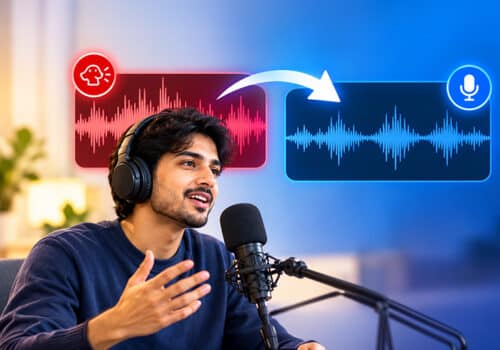

































Voice Recording is all sunshine and rainbows until you play it back. When you record a voiceover or a podcast, you don’t actually realise where you went wrong. One thing that can affect the quality is mouth noises in audio.
Unwanted mouth noises can distract listeners and make an otherwise clean recording feel unpolished. The good news is you can remove those sounds with the right software. This guide will explain how to remove mouth noises from audio and what causes them. We will also introduce you to AudiOn, which helps remove unwanted sounds from your voice recordings.
What causes mouth clicks and noises in voice recordings?
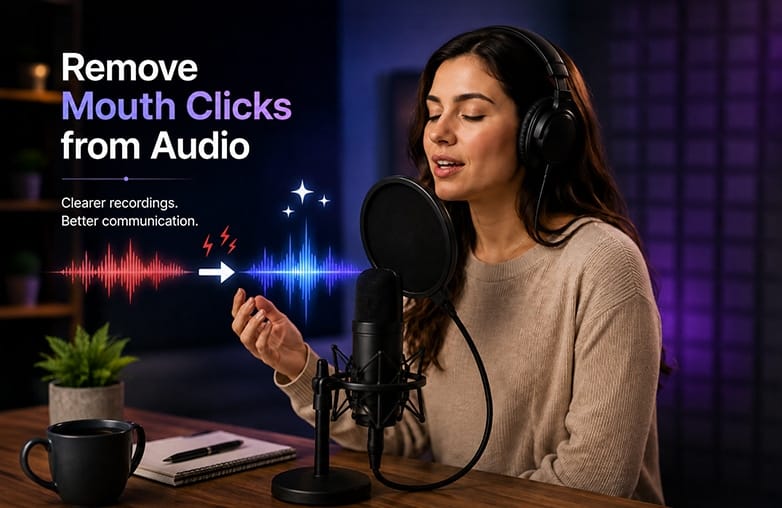
Before you learn how to remove mouth clicks from audio, it’s important to understand why they happen. Some of the reasons can be:
Anxiety or Nervousness
Nervousness can contribute to mouth clicking. Speaking requires different parts of your mouth to work together smoothly, and anxiety or nervousness can affect this coordination, leading to unwanted clicking sounds.
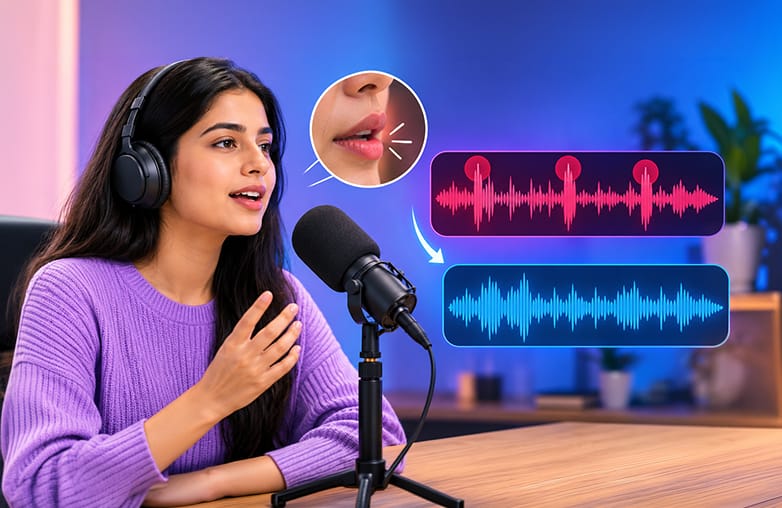
Causes of mouth clicks and mouth noises in audio recordings
Not Drinking Enough Water
A dry mouth can make subtle clicks and other mouth noises more noticeable in a recording. Drinking water before and during a session can help reduce them.
You may find this blog informative: How to Remove Background Noise from Audio Recordings.
Excess Moisture
Dryness is not the only cause of mouth noise. Excess moisture can create similar sounds, particularly during longer recording sessions. Taking short breaks between takes can help.
Lip Smacks
Lip smacks may be picked up at the beginning of words or during pauses. They are often more noticeable when your mouth is dry.
Plosives
Plosives occur when bursts of air from consonants such as “P” and “B” hit the microphone.
Tongue Clicks
Tongue clicks occur when the tongue touches the roof of the mouth or the teeth. They tend to be quick, sharp sounds that can easily stand out in a recording.
This blog could provide valuable insights: How to make a voice recording sound clear and professional.
Eliminate Mouth Noises from Audio
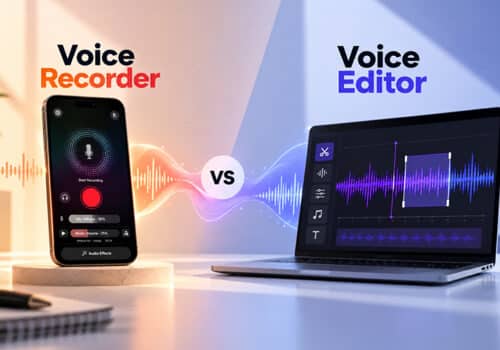
Are you looking for mouth noise removal apps? There isn’t a one-stop solution; you need to preview and check how noticeable the noises are. Some of the mouth noise can be ignored or edited manually. You can also use a voice recorder and editing app to remove such sounds from recordings.
Use an Audio Enhancement App
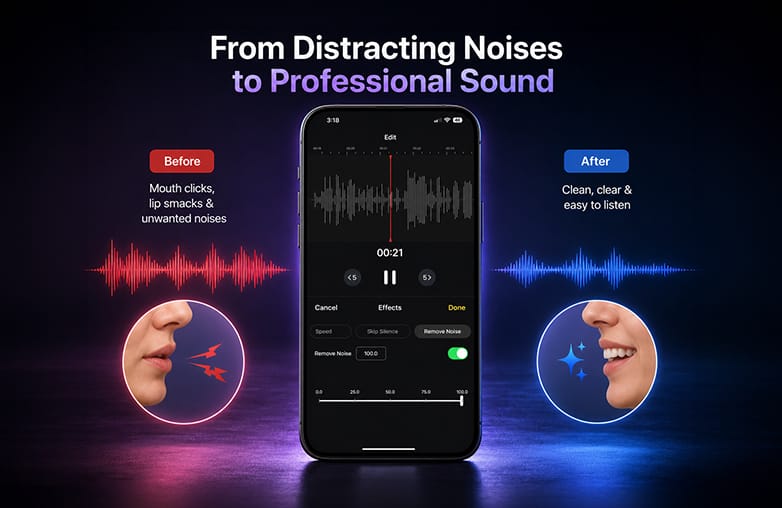
One of the best ways to remove lip smacking from audio, or remove mouth clicks from a voice recording, is to use an audio enhancement app with noise-reduction and editing features.
You can try AudiOn if you record voice on your phone. AudiOn includes a ‘Denoise’ feature, designed to remove unwanted noise from voice recordings. This isn’t a dedicated mouth-click remover app. Denoise cannot eliminate mouth clicks completely. However, it can be useful when mouth clicks are mixed with low-level recording noise.
Check out this interesting blog: Best AI Audio enhancers.
AudiOn audio enhancement and voice recording cleanup
Try EQ Presets to Clean Up Voice Recordings
If you’re looking for a podcast audio clean-up tool or to remove clicks from voice recordings, AudiOn can help improve the overall quality. For example, if your recordings don’t sound right even after cleaning, you can try EQ presets. The Clarity preset can improve speech details. The Vocals preset can make your voice sound more prominent.
However, EQ is not a mouth-noise removal tool. Be careful with boosting high frequencies; it can make clicks and lip sounds more noticeable.
Manually Cut Mouth Clicks
You can remove unwanted vocal sounds manually by cutting a particular section of the recording. If there are a few noticeable mouth noises, manual editing can help. If a particular noise occurs during a pause, you can cut out that small section. For longer recordings, manually removing every mouth click is time-consuming.
AudiOn offers trim, merge, and split features. You can easily cut recordings and make them sound professional.
Use a Pop Filter or Windscreen
A pop filter reduces plosive sounds caused by letters such as “P” and “B”. However, keep realistic expectations; it won’t fully eliminate tongue clicks or lip smacks. You can get a clean recording.
A windscreen can reduce unwanted bursts of air reaching the microphone. Along with good microphone placement, a Pop Filter and Windscreen can help reduce recording problems.
How to Avoid Mouth Clicks While Recording?
Stay Hydrated
Drinking enough water can help keep your mouth hydrated while recording. Start hydrating the day before your recording instead of waiting until the day of the actual recording.
Avoid Foods and Drinks that cause Dryness
Some foods and beverages can make your mouth feel dry, including coffee, tea, sodas, alcohol, salty foods, and chocolate.
Sip Water Before Recording
Take small sips of water around two hours before your recording. This can help prevent dryness while you speak.
Stay Relaxed
Try to stay calm before and during your recording. Breathing through your nose and keeping your body relaxed can also help reduce unwanted mouth clicks.
Read this blog for more interesting details: How to remove echo from audio recordings.
Take Short Pauses
Add natural pauses while speaking. These pauses give you a moment to swallow and reset between sentences, which can reduce unwanted mouth clicks. Listen to professional podcasters or interviewers; you’ll notice how they use deliberate pauses to keep their speech natural and clear.
Monitor Your Recording
Use headphones to hear what your microphone is capturing as you speak. If you notice mouth clicks during the recording, you can adjust your technique right away instead of finding them later during voice editing or vocal cleanup.
Use AI Audio Cleanup
If mouth clicks still appear in your recording. AI audio cleanup can help remove saliva sounds and other unwanted mouth noises during post-recording.
Add Image
Bottom Line
These are some tips and tricks to remove mouth noises from audio. You can get the best results by combining good recording habits with high-quality voice recording and editing apps. To record studio-quality audio, try AudiOn for iOS or Android.
FAQs
Does noise reduction remove lip smacking?
Noise reduction can sometimes reduce low-level or unwanted sounds, but it may not completely remove lip smacks.
Can EQ help eliminate mouth sounds?
EQ can make some mouth sounds less noticeable, but it is not the right tool to eliminate mouth sounds.
How to get rid of mouth clicking?
To avoid mouth clicks while recording, stay hydrated, avoid triggering foods such as sugary drinks, dairy, or chocolate, limit caffeine and alcohol, and adjust mic placement.
Is it normal to hear mouth clicks in recordings?
Yes, they’re a normal part of speech. However, editing can make them less noticeable and reduce distraction.
Can AudiOn remove mouth noises?
AudiOn helps to improve the overall sound quality of your voice recordings. It has various powerful features to make your voice recordings shine. However, it is not a specialized mouth-click removal tool.