



































Quick Answer:
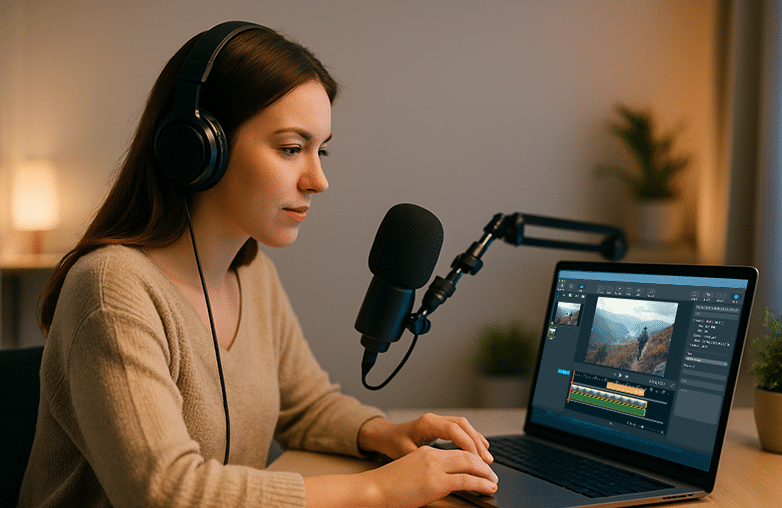
Yes, you can record a voice-over directly inside video editors such as Capto, Adobe Premiere Pro, and Final Cut Pro. These apps allow real-time recording, syncing, and easy re-takes.
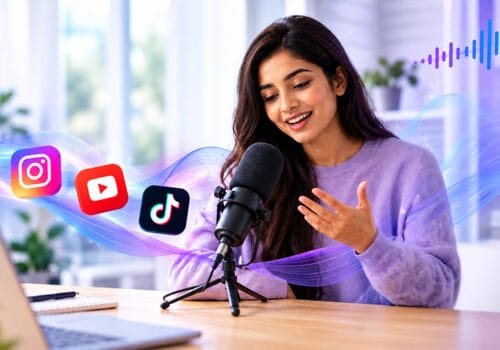
Your travel videos can be great, your food vlogs droolworthy, or your tutorial videos may have the best information, but they will lack a personal touch without your voice. High-quality videos play a crucial role in engaging your audience, but your voice makes them truly interactive.
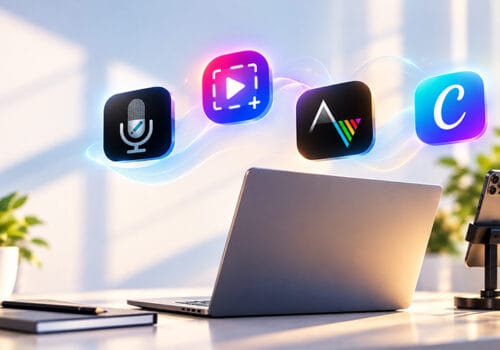
Now, with the best video editor app, you can directly record voice-over video within the app. If you are planning to add voice to your videos or improve the quality of your voiceovers, this blog is for you. Read on to learn about the best software and tips to record studio-quality voice-overs.
Why Recording Voice-Overs Within a Video Editor is So Helpful?
Recording your voice within the app saves time and keeps your work organized. Here’s why it is helpful.
No Need to Download Extra Software
If you are a travel and food vlogger or vlog other types of videos, you know the pain of editing and then importing them to another app to add narration. When you download a video editor app with a built-in voice-over option, you don’t need separate software. Your clean voice recording video app takes care of both video and audio.
Perfectly Sync Your Voice
You get to sync voice track editor timelines because you speak while watching your video. This will avoid repetitive work, and it’s easy for you to convey your emotions and speak your heart out while watching your videos.
Easily Retake
Mistakes are common while recording. With recording and editing software, you can just delete and re-record.
Popular Video Editors
Capto: The Best Screen Recording and Editing App
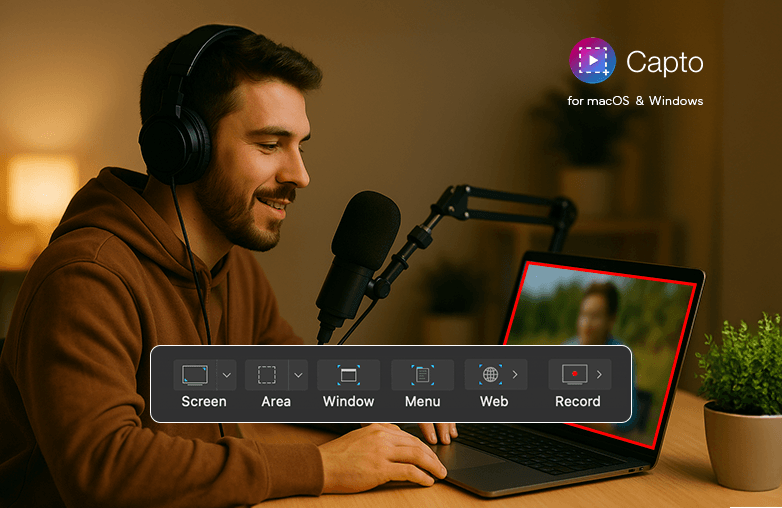
If you create educational videos, tutorials, or vlogs, Capto is the best video editor with a built-in voice-over tool. You can record the screen and quickly edit with its advanced features. What stands out is its smooth voice-over in video editing.
You can record voice-over videos while watching your screen. You can trim and sync your narration easily. Capto also has a webcam overlay feature, which allows you to record yourself and your screen simultaneously. It offers various features to make your content stand out. Download Capto for Mac or Windows.
The Best Screen Recording and Editing App
Adobe Premiere Pro: Professional Video Editing Tool
Adobe Premiere Pro is used by YouTubers and other creators to make their content stand out. It offers a built-in voice-over tool that lets you record your voice in real time. It also offers multiple audio tracks, advanced effects, and precise controls to give a professional touch to your videos.
You also use AI-powered tools like audio adjustment, colour correction, transcription, and more. Adobe Premiere Pro is one of the great tools for studio-quality audio. You can download the app for Mac or Windows.
You can also read: Best voice recorder apps for gamers.
Final Cut Pro: Record Voice-over Video On Mac
Final Cut Pro is for Mac users. It’s a video editing software that offers an in-built voice-over feature; you can add narration to clips in real time. It’s used by creators who want quick and high-quality results. Final Cut Pro offers advanced tools like colour grading, multi-camera editing, and more.
You can edit and make your videos engaging with its advanced tools. For Mac users looking for easy-to-use and reliable video editing tools, Final Cut Pro is a great option.
You can also check: Best Equalizer Settings for Different Music Genres.
Tips For Creating the Best-Sounding Voice-Overs
- Keep your tone natural.
- Pause when visuals change.
- Try to keep a smile while speaking, as it will help keep your audience hooked.
- Don’t forget to hydrate before you start recording.
These changes can make your recordings sound professional. They may seem like small changes, but they can have a huge impact on how you engage with your audience.
Bottom Line
With the tools mentioned above, you can easily edit and create professional-quality videos. You don’t need a professional studio to record your voice; these apps do a good job of making your voice stand out. Start experimenting and engage your audience with your creativity and talent. Download the app that meets your requirements and record voice-over video within the app.
Record voice-over in video editor
FAQs
How do I record voice-over video directly in my video editor?
Most video editors come with built-in recording options. These let you record and sync your voice perfectly with your footage.
Which video editor is best for recording voice-overs?
Some of the best options are Capto, Adobe Premiere Pro, and Final Cut Pro.
How can I improve voice quality in video?
Use a good microphone, record in a quiet room, keep a distance from the mic, and apply sound enhancement filters. These practices can improve voice quality in video.
Does Capto support voice-over in video editing?
Yes, Capto offers a voice-over feature. It’s ideal for tutorials, app demos, and educational content.
Do I need a professional microphone for voice-over work?
Not necessarily. A decent USB microphone can deliver great results.








Pingback: Beginner Friendly Video Editor Tools - Global Delight
Pingback: How to Record Video on PC: Easy Webcam Recording Guide 2025
Pingback: How to Create Reaction Videos (Easy Guide for Creators)
Pingback: How to Create Stunning Tutorials with Capto? - Global Delight
Pingback: How to Promote Your YouTube Channel & Gain Real Subscribers