










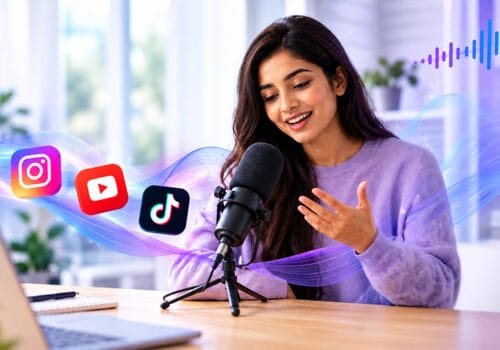
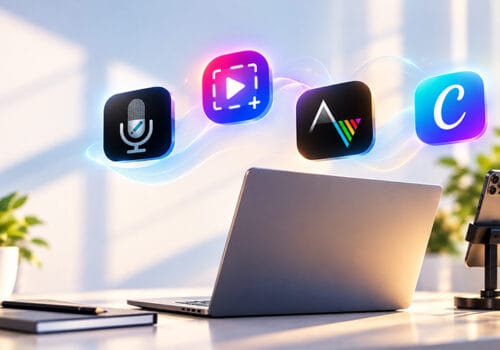

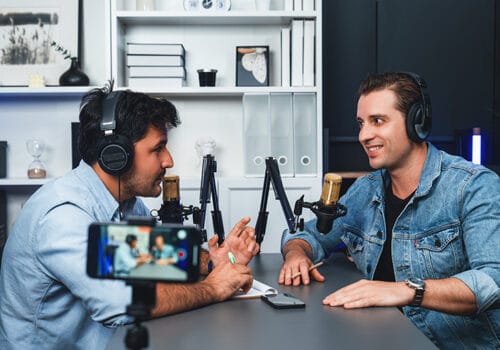














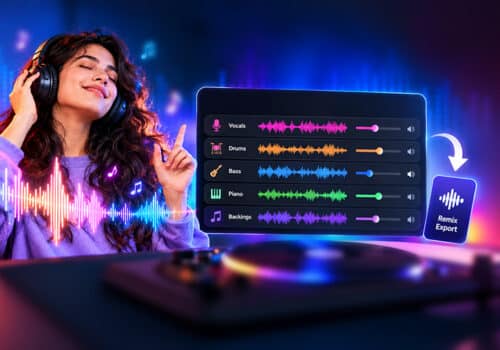










With millions of YouTube channels competing for attention, creators need more than good ideas. The best editing software for YouTubers helps transform raw footage into professional, engaging videos that attract views and subscribers.
YouTube is one of the most popular social platforms for showcasing your talent and earning money. According to Global Media Insight, YouTube has more than 113.9 million active channels. With so many channels, there is tough competition. Your content needs to be unique, and your video should be great to stand out from your competition.
Whether you create reaction videos, instructional videos, podcasts, or vlogs, the right content and video editing techniques can make your video look professional and engage your viewers. We will introduce you to the best editing software for YouTubers, which is suitable for both beginners and seasoned professionals. Level up your YouTube channel with your editing skills.
Why is Video Editing Software Important?
You may be thinking, I have in-built software on my laptop or phone, then what’s the need to download a separate software to edit videos? Well, your in-built software may have basic editing features, but if you want your videos to truly stand out, you need to download the best YouTube video editing software.
These tools will help make your video look more professional. You can record your screen, add voice-overs, captions, trim videos, and do much more. You can turn an ordinary video into an extraordinary one with these tools and by following basic video editing tips.
Moreover, you should also know how to promote your YouTube channel and grow your subscribers. While your content and editing skills are crucial for capturing viewers’ attention, following expert tips can help you reach your target audience more effectively.

Top video editing tools used by YouTube creators
Best Editing Software for YouTubers
Capto: Best Video Editor for Content Creators
The best editing software for YouTubers and other content creators is Capto. It ticks all the boxes for being the best video editing software. Capto can help you record your screen, and you can record yourself with your webcam simultaneously. It is a helpful software for all types of content creators. You can create the best instructional videos, tutorials, and presentations, edit your videos, and do more with Capto.
It’s easy to use; even if you don’t have prior experience in editing, you can understand its features easily. Professional video editors use Capto to make their videos stand out. You can add voice-overs and captions, blur the background, and do much more with Capto. Download Capto for Mac or Windows.
Descript: Easy Video Editing App for YouTube
Choosing the right video editor for beginner YouTube creators can make all the difference in making your video stand out and in editing your content faster and more easily. Descript is one such video editing app that makes video editing easy and is perfect for rookies and seasoned pros.
It offers various AI-powered features that help you create YouTube videos in no time. Descript also offers a transcription feature. You can upload your video, and the app will transcribe your spoken words into text. You don’t have to spend hours transcribing speech to text; Descript will do that for you in seconds. It offers many other features that help you create an outstanding YouTube video.
You can also read: Best Tips to Get the Perfect Video and Webcam Lighting.
Filmora: Video Editing App Used By YouTubers
Filmora is one of the best laptop video editing software programs that helps create stunning videos without having technical editing skills. It is best for beginners, as it offers a clean interface with a range of easy-to-use features. Filmora is not just limited to Mac and Windows; you can download it on your phone, too.
Filmora is perfect for editing YouTube content and also other social media videos. It offers features like trim, cut, filters, and more to make your video look professional. Whether you create step-by-step instruction videos, vlogs, or YouTube Shorts, Filmora will help you edit your videos in the best possible way.

YouTube content creators
Bottom Line
These are some of the best editing software for YouTubers that make editing a breeze. The above-mentioned software can complement your ideas and help your content stand out. With the right content and software, you can create engaging videos that capture the attention of your audience and help grow subscribers organically.
FAQS
Which is the best video editing software for YouTubers?
Some of the best software are Capto, Descript, and Filmora.
Which video editing tool is best for YouTube reaction videos?
Capto is great for creating reaction videos, as it allows you to record your screen and yourself simultaneously.
Do YouTubers need professional video editing software?
Not necessarily. You can download editing software like Capto, which offers professional-level video editing with simple, easy-to-use features. It helps you achieve great results in a short time.
Reference Sources:
- artlist “The best editing software for YouTube creators: beginner to pro”
- descript “Best video editing software for YouTube in 2025 – 14 picks”
- creativebloq “The best software for editing videos for YouTube”
- zapier “The best free video editing software in 2025”
- pcmag “The Best Video Editing Software for 2026”









Pingback: Speed Up Mac Performance Without Reset - Global Delight