

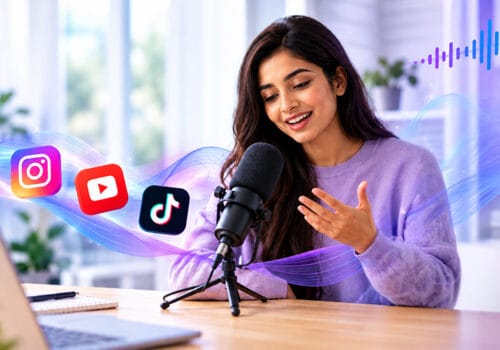





Starting a podcast isn’t as expensive as you might think. New podcasters often search for how to start a podcast for free. The good news is you don’t need expensive equipment to get started. You probably have enough things at home to record your first episode.
Your phone can do the job for now. There’s no point buying a lot of equipment before you’ve even started podcasting. Here’s how to start a podcast with no money and turn your ideas into reality.
Can You Start a Podcast With Without Equipment (Free Podcast recording)
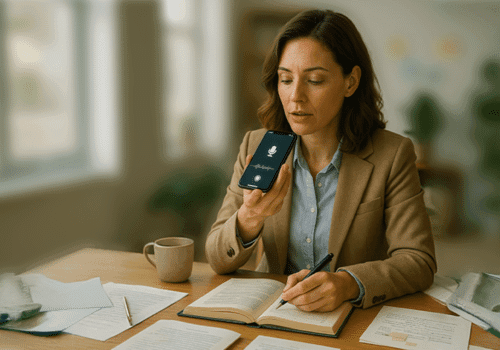
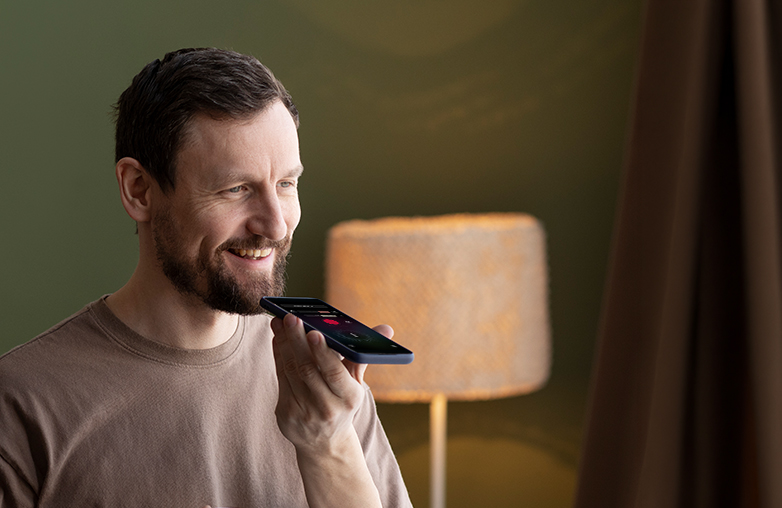
You might be surprised by how little effort it takes to record your first podcast. If you have a smartphone, a pair of earphones, and a quiet corner at home, you’re all set to start. Use what you have and see how it goes.
Start with What’s Available
Before buying a microphone or other podcast equipment, check what you have at home. A few everyday items are enough to start.
- Phone: The phone you use every day can record your voice. Whether it’s an iPhone or an Android, it’s good enough to get your first episode recorded.
- Earphones or headphones: Have a pair of earphones with a mic? Why not give them a try? They can be great when recording. It is also useful to listen to see how the recording sounds.
- A quiet room: Avoid a noisy room and choose a quiet room to record. Curtains, pillows, and carpets can help with echo, so you don’t have to spend money making the room soundproof.
This is how to start a podcast with no equipment, using things that are easily available at home.
How to Record and Edit a Podcast on Your Phone
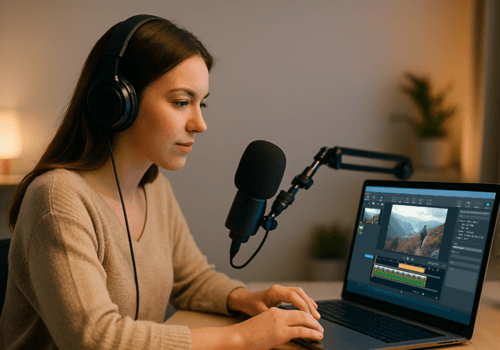
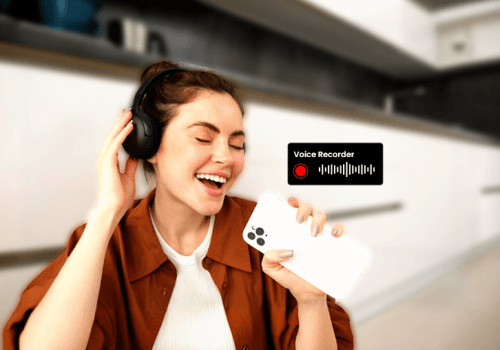
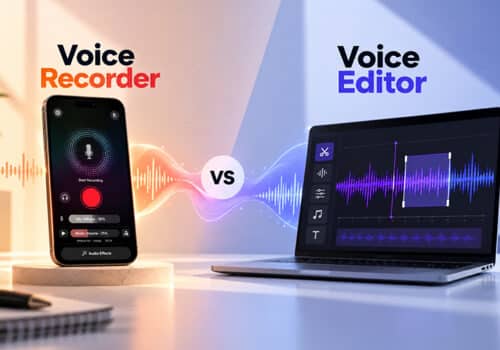
AudiOn is a voice recorder and editor app that is useful for beginners and seasoned pros. It is easy to use and offers recording and editing in one app.
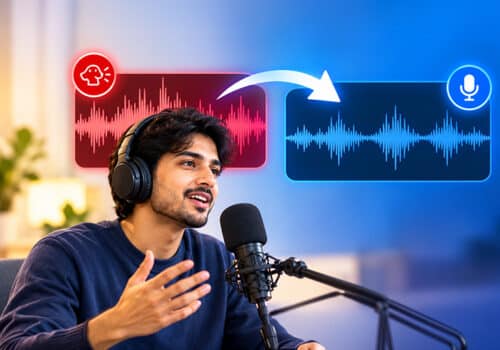
Your first recording may not sound like your favorite podcaster. Recordings may include fan noise, some static, or other background sounds. Instead of recording again, you can use AudiOn to edit and improve the audio with its built-in audio enhancement features.
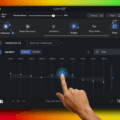
You can use features like mic boost to increase the microphone’s sensitivity by up to 200%.You can also adjust it. AudiOn iOS allows you to access different mic modes. It also offers features like timestamp markers, transcription, a teleprompter, geotagging, equalizer presets, audio effects, skip silence, trim, merge, split recordings, and more. It also helps to organize your recordings and find them quickly using custom tags.
If you have just started with podcasting, AudiOn is one of the best tools for getting clear, professional-quality recordings. AudiOn works on both iOS and Android.
Note: AudiOn is not a free app, but the price is worth considering the audio tools you get with it.
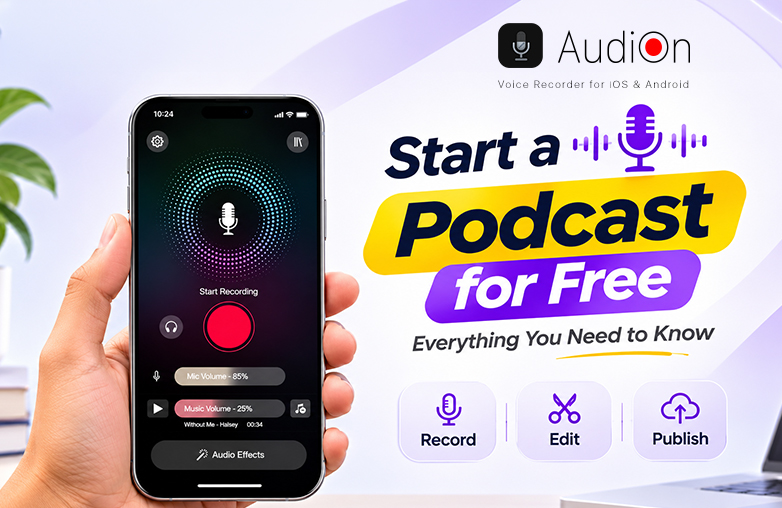
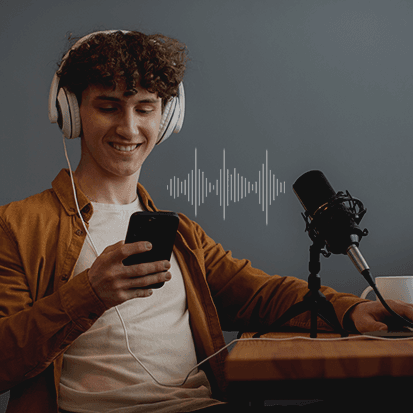
Start a podcast for free using a smartphone
Where to Upload Your Podcast Recording: Free Podcast Hosting Platforms
Done recording your first episode? Now you’ll need a place to upload it. Spotify for Creators is one of the best options, and the best part is that you don’t need to pay for hosting. You can upload episodes and manage them. If you’re learning how to make a podcast for free, Spotify for Creators is a good option.
Find a Comfortable Recording Space At Home
A comfortable space at home is more than enough to record your podcast. You need to make sure that the room you’re choosing is free from disturbance. It should be away from outside noise, kitchens, or noisy appliances. Smaller rooms and bedrooms work great.
Choose a room with curtains, rugs, cushions, or pillows. These help absorb some of the sound bouncing around and reduce echo. If you’re recording a video podcast, pay attention to what’s behind you. You don’t need too many things in the frame. Keep it neat so viewers can focus on you.
Lighting is another thing to consider. You don’t need any special lighting to get started. Just find a spot where your face is visible on camera. That’s how to start a podcast for free without spending money on a professional studio.
Creating Your Podcast Cover Art
The first thing that people notice is your podcast cover. So, give it some thought and design an attractive and eye-catching podcast cover.
- Choose the right colors: Use colors that complement fonts and images. Also, make sure they are easy to see.
- Add a podcast title: Make sure the title is easy to read, even when the cover appears as a small thumbnail.
- Keep it relevant: Pick images and designs that give people an idea of what your podcast is about.
Free Graphic Design Free Tools
You can design your podcast cover for free. Tools like Canva have ready-made podcast cover templates that you can edit with your own text, images, and fonts.
Best Ways to Promote Your Podcast
Use Social Media to Promote Your Podcast
Social media is a great platform to share your podcast and connect with people who might enjoy listening to it. Here are a few ways to use it:
- Pick the Right Platforms: There’s no need to be active on all social platforms; be active on those platforms your listeners are likely to use, such as Facebook, Instagram, X, and TikTok.
- Share Different Content: Post short audio clips, photos from your recording sessions, interesting quotes from episodes, and simple graphics.
- Add Relevant Hashtags: Use hashtags related to your podcast topic so people interested in that subject can find your posts.
- Talk to Your Followers: Reply to comments, answer questions, and join conversations around topics related to your podcast.
- Try Contests or Giveaways: A small giveaway can get more people talking about your podcast and sharing your posts.
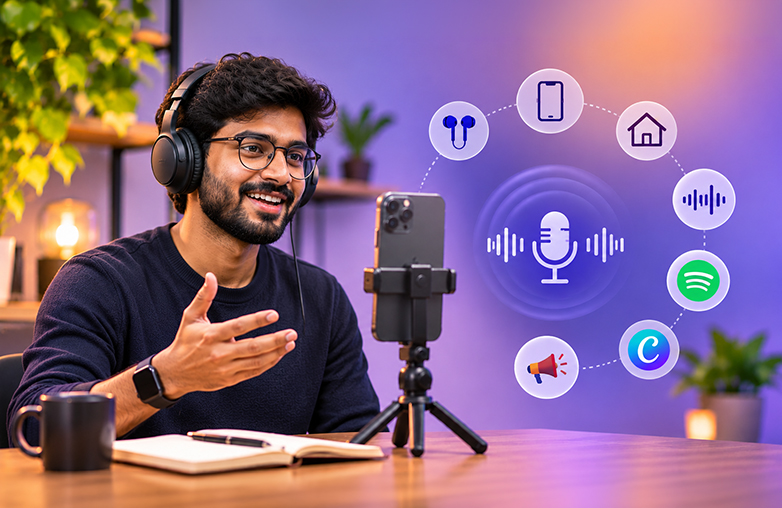
Record and edit podcast audio
Bottom Line
Starting a podcast doesn’t have to cost you money. You can use AudiOn to record and edit your episodes, Spotify for Creators to host them, and Canva to make your cover art. If you’re looking for how to start a podcast for free, these tools are enough to get you started.
FAQs
Do I need a laptop to start a podcast?
No, you can record and edit your podcast on your phone too.
Do free podcasts make money?
Yes, they can. You can earn money through ads, sponsorships, or by promoting your own brand
Can ChatGPT create a podcast?
Yes, ChatGPT can help create a podcast; it can help with planning. You’ll still need an audio recording tool to record your voice and create episodes.
Why do so many podcasts fail?
Many podcasts stop because people don’t get enough ideas, they don’t post new episodes regularly, or don’t get enough listeners at first. Building an audience takes time, and some creators give up too soon.
Is it acceptable if my first podcast is not perfect?
Yes, your first episode is all about learning from your mistakes. You’ll get more comfortable with recording, speaking, and editing as you make more episodes.




Leave a Reply
You must be logged in to post a comment.