








































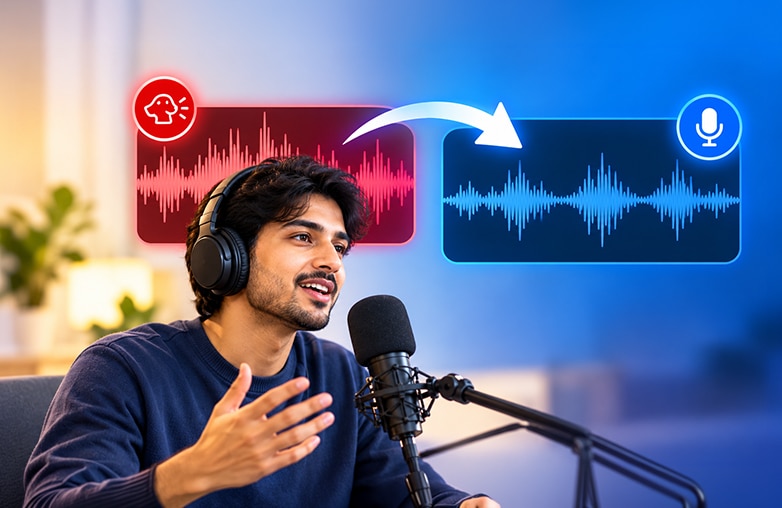
When recording voice indoors or outdoors, background distractions can ruin an excellent recording. Dog barking is one such common issue. Your thoughts may have been perfectly lined up, you sounded confident, and then suddenly your fur baby decided to join the recording. Luckily, this unexpected background distraction can be reduced with the right tool.
There is software that can remove dog barking from audio online or help significantly reduce it so the main voice is easier to hear. This blog will explain how to remove dog barking from a voice recording using AudiOn.
Why Can Removing Dog Barking from Audio Be Tricky?
Dog barking isn’t like a constant hum or fan noise. It comes in sudden, loud bursts and can span a broad range of frequencies, making it tricky to remove without affecting the speaker’s voice.
Sudden and unpredictable
A bark can pop up at any point in a recording. Since it isn’t continuous, basic background noise removal may not detect or handle it properly.
You might find something useful in this blog: Voice Recorder vs Voice Editor.
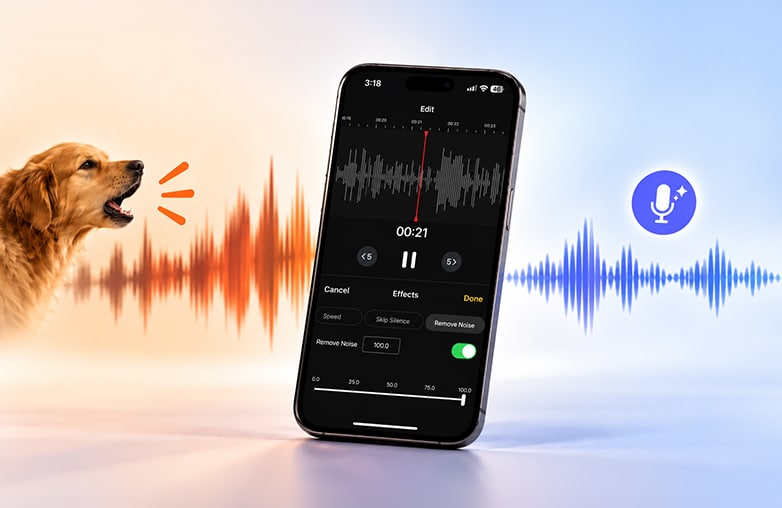
Reduce dog barking audio audion
Covers many frequencies
Barks contain both low and high-frequency sounds. Cutting those frequencies too aggressively can also make speech sound unnatural.
Often recorded very clearly
A loud dog bark is noticeable and is often difficult to remove. If your voice overlaps, removing the bark completely may also remove parts of the speech.
Removing dog barking from audio requires a more targeted approach. The goal is to make the barking quieter and also to preserve as much of the original voice as possible.
How to Remove Dog Barking from a Voice Recording with AudiOn
If your recordings include unwanted barking, AudiOn can help reduce it without starting the recording from scratch.
Import or record your audio
Open AudiOn and import the recording that contains the dog barking. You can also record directly in the app if you want a fresh voice recording. To make your recordings sound professional, you should try keeping your original voice natural when editing. Be it podcasts, voiceovers, or social media content, an original voice can add a personal touch rather than a robotic voice.
This is a blog worth checking out: How to transcribe a podcast.
Identify the barking sections
Listen carefully to the recording and identify where dog barking is most noticeable. If dog barking occurs during pauses between sentences, those sentences are much easier to edit because there is less speech.
If the dog barks while a person is speaking, you need stronger audio editing, and you also need to be careful while editing so that the original voice remains unaffected.
Use noise reduction to clean up the recording
AudiOn includes noise reduction to help reduce unwanted background sounds from recordings. It offers Denoise/ remove noise, Audio Ducking for iOS, Voice Isolation for iOS, EQ presets, and skip silence. Denoise reduces background noise in an already recorded clip; Voice Isolation is used while recording voice. It focuses on your voice and reduces surrounding distractions while recording. Audio Ducking lowers background audio when speech is detected, helping make the speech easier to hear. It has off, low, medium, and high levels. EQ presets are not a noise removal tool, but you can adjust frequencies to make the voice clearer. Skip silence can remove silent portions from your recordings.
Try these audio enhancement options and listen carefully to the result. Avoid over-processing; it can make the speaker sound robotic.
You might want to check out this blog: How to record a podcast on your phone.
Use Voice Isolation when needed
Turn on Voice Isolation before you start recording. Voice isolation focuses on the main voice and helps separate it from surrounding sounds. This is useful when you cannot edit the barking because it occurs at the same time as the person speaking.
The result depends on the recording. A short, loud bark may be easier to reduce than continuous barking directly over speech. There can be ways to remove dog barking from audio online, however, using the voice isolation feature while recording can reduce your editing work later as it only captures the primary voice.
Compare the edited and original recordings
Before exporting, compare the cleaned recording with the original. Check if the dog barking is quieter, and make sure your voice sounds natural. Moreover, check if the processing has distorted the audio.
Knowing how to remove dog barking from a voice recording can save time and help you avoid recording everything again from scratch.
You may find this blog worth your time: Best apps for social media creators.
Is it possible to remove dog barking completely?
It depends on how loud the barking is, whether it overlaps with speech, and the quality of the original recording. Using AudiOn, you can reduce unwanted background noise and improve voice clarity. However, heavy overlapping sounds may not disappear completely.
| Recording Situation | Expected Result | How Can AudiOn Help |
| Dog barking between spoken sentences | Often easier to remove | Use AudiOn AI audio enhancement tools to reduce unwanted noise and improve speech clarity |
| Distant barking behind speech | Barking may become less noticeable | Apply AI audio enhancement to make the speech clearer |
| Loud barking overlapping with speech | Some barking may remain | Always start recording your voice with the voice isolation feature turned on |
| Frequent barking throughout the recording | Difficult to remove completely | Enhance the audio with AudiOn, then review the recording and edit sections that still contain noticeable barking |
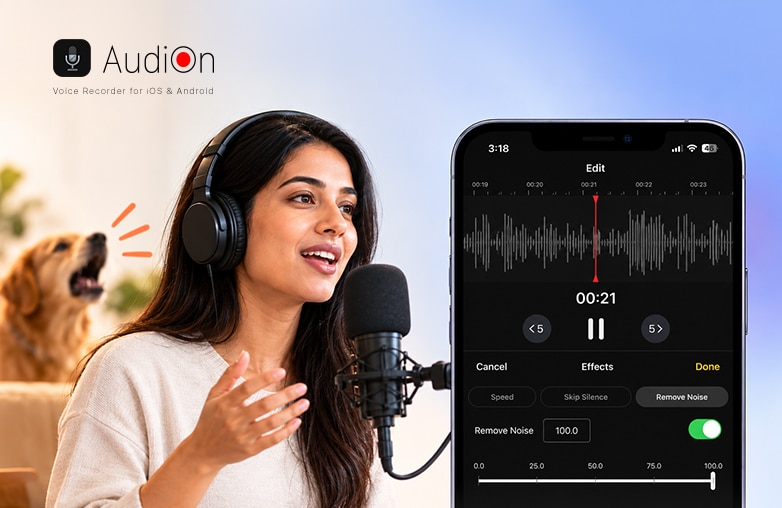
Dog barking during voice recording
Reduce Dog Barking and Improve Voice Clarity
Learning how to remove dog barking from a voice recording can save time and avoid recording again from scratch. If you want to remove dog barking from audio online, AudiOn can help. With its features, you can remove dog barking and other background distractions from the audio. Download AudiOn for iOS or Android.
FAQs
How do I remove dog barking from a podcast recording?
Use noise reduction and voice isolation to reduce dog barking while keeping the speaker’s voice clear.
Why does dog barking remain after noise reduction?
Barking may overlap with the speaker’s voice, making it difficult for noise reduction tools to distinguish between them.
Is it possible to remove loud dog barking from audio?
Loud barking can be reduced, but removing it completely can be difficult if it overlaps with speech.
Can dog barking be removed from a recording after it is saved?
Yes, you can edit an existing clip without having to record it again.
Which is the best app to improve speech clarity?
AudiOn is a great app for Android and iOS to improve speech clarity.












Leave a Reply
You must be logged in to post a comment.