







































Music is a great stress buster, and it is more fun when you enjoy it in your own way. Some create playlists for different moods, while others enjoy listening to radio stations and discovering new songs and podcasts. One of the best ways to enjoy all your favorite tracks is with a music player app that lets you enjoy music without too much effort.
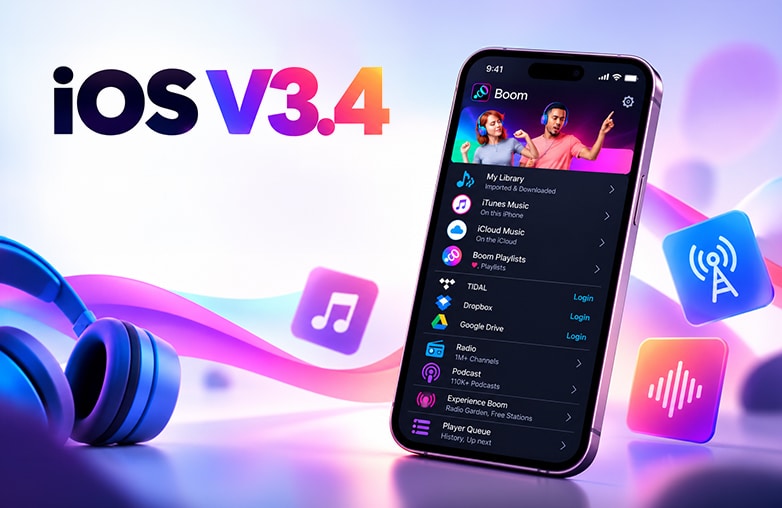
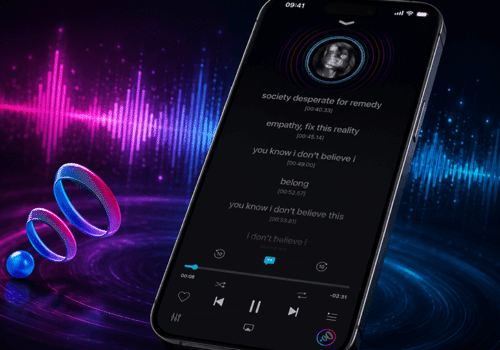
The new Boom iOS v3.4 update makes listening to music personal and fun. You can now manage playlists faster, explore millions of internet radio stations through Radio Garden, add radio stations using StreamURL, change music artwork, auto select the best EQ Preset based on the genre and set genres for local tracks imported or downloaded from the cloud.
What’s New in Boom V3.4: Bass Booster and Equalizer App
The Boom music player app has introduced several useful changes such as:
- Create and manage playlists more easily.
- Add Radio Garden
- Search and add more internet radio stations.
- Set custom artwork for local songs and playlists.
- Choose EQ presets automatically based on music genres.
- Enjoy a cleaner interface and better app performance.
Let’s walk you through the changes:
How to Manage Music Playlists in Boom for iPhone
Music lovers create playlists to match their moods, whether for workouts, relaxing weekends, parties or road trips. With the Boom iPhone app update, Boom iOS 3.4 makes organizing playlists and adding multiple songs at once easier.
Boom iOS v3.4 playlist management
Finding Recently Created Playlists
You no longer have to spend time looking for playlists you’ve just created. This update makes it easier to access your recently created playlists and manage your smart music playlists effortlessly.
Adding Multiple Songs to a Playlist
Want to add new tracks to your favorite playlist? You can select multiple tracks and add them to an existing playlist or create a new one. This simple update can save time.
Choose your own playlist cover
You can set custom cover images for your playlists. Pick an image that matches the songs or the mood of your favorite tracks. This makes your playlist more personal, and it gets easier to recognize.
These changes make creating and managing music playlists on iPhone easier and save time.
Explore More Radio Stations With Boom iOS
What do you do when you want to listen to something different from the songs already saved on your iPhone? One of the best options is free radio stations. It is a great way to find music and enjoy new listening experiences.
Boom already lets you stream nearly 40,000 radio stations and podcasts from around the world. The latest update offers you more ways to add stations to your listening list.
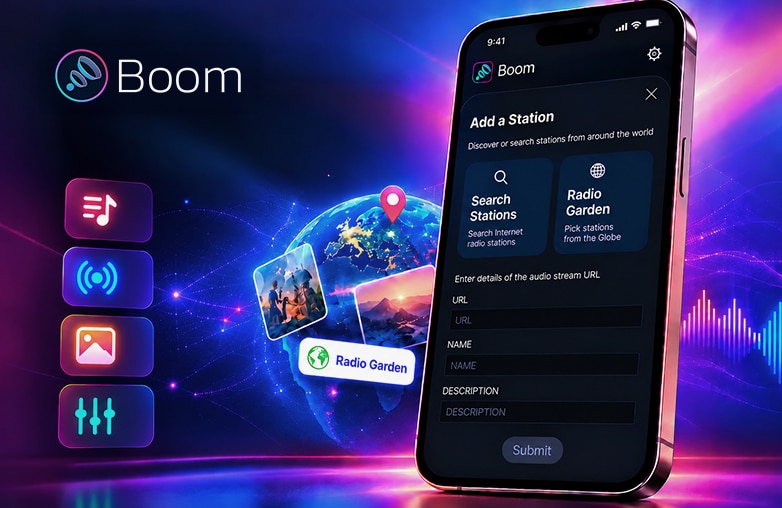
Explore millions of radio stations from around the world with Radio Garden, now available directly in Boom. You can also add your favorite stations using StreamURL links and enjoy streaming them through the app for free.
Whether you want to listen to a familiar radio station or want to explore music from another country, you have options to choose from. You can enjoy these radio stations for free with Boom.
Customize Your Music Artwork on iPhone
What if your music library felt more personal? After all, who wouldn’t love seeing beautiful artwork for their songs and playlists? Local music files sometimes don’t have album covers, or the artwork isn’t what you want. Boom iOS v3.4 solves this problem.
It offers control over how your album cover should look. You can set custom artwork for local tracks and playlists using images from your Photos or the internet. For example, you can add your own picture for your favorite song or change the artwork of a local track that doesn’t have a cover.
Make Music More Personalized With Auto EQ
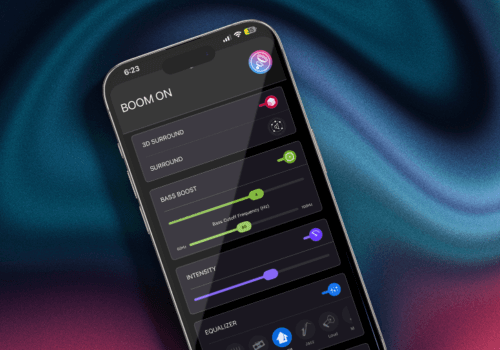
Every sound feels different, so you may prefer different sound settings for different types of music. With the new EQ enhancements in Boom iOS v3.4, you can assign genres to local tracks that you’ve imported or downloaded from the cloud. When the equalizer is set to Auto, Boom can select an EQ preset based on the genre assigned to the song.
You don’t have to keep changing your equalizer settings manually when switching between genres. Once you set the genre for a local track, Auto EQ can choose a suitable preset for it. This is one of the best features if you want to enjoy your music without having to adjust the equalizer every time.
Boom iOS v3.4 – Enjoy a Cleaner and Smoother Experience
Boom iOS v3.4 offers a smoother experience. The apps’ overall performance has been improved for a smoother and more enjoyable listening experience.
The new update makes sure the app works smoothly, whether you’re organizing songs or all set to listen to your favorite music; the app focuses on making your experience the best.
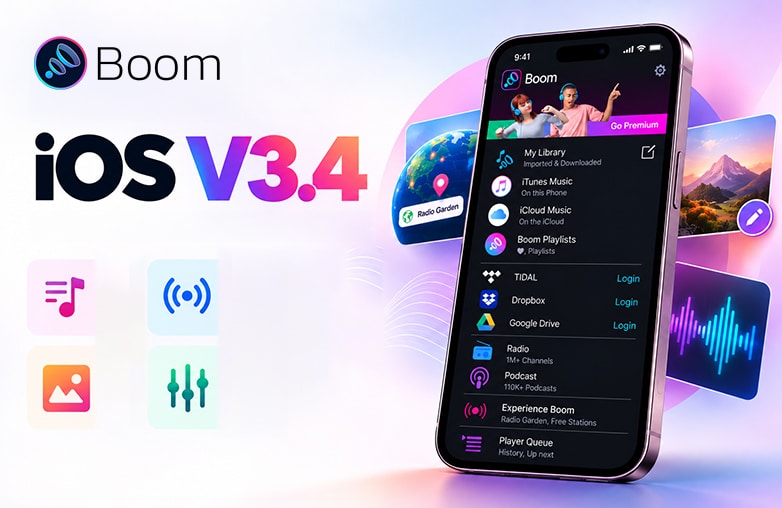
Boom iOS equalizer with automatic genre-based EQ presets
Bottom Line
The latest Boom iOS v3.4 makes listening more personal, whether you enjoy music, explore internet radio stations, or tune in to your favorite podcasts. From personalizing the sound and changing music artwork to discovering radio streams, the update gives you more ways to enjoy audio that matches your taste and mood.
If you use Boom on your iPhone, explore version 3.4 and try out the new features.
FAQs
What’s new in Boom: Bass Booster & Equalizer iOS v3.4?
The update includes better playlist management, more radio station options, custom artwork, and genre-based EQ presets.
Can I add multiple songs to a playlist in Boom?
Yes, you can select multiple songs and add them to an existing playlist or create a new one.
How many radio stations and podcasts does Boom offer?
Boom already supports streaming nearly 40,000 radio stations and podcasts worldwide. Version 3.4 also lets you add radio stations using Radio Garden and StreamURL links.
Can I listen to radio stations added through Radio Garden and StreamURL for free?
Yes, you can listen to these added radio stations through Boom for free.
Is Boom a music player app?
Yes, Boom is a music player, bass booster and equalizer app that lets you enjoy audio your way. Play locally stored tracks, stream millions of internet radio stations, or access your music through Tidal, Dropbox, Google Drive, and more. You can personalize sound and fine-tune your listening experience to match your taste, whether you’re enjoying your favorite songs or discovering something new.










Leave a Reply
You must be logged in to post a comment.