
































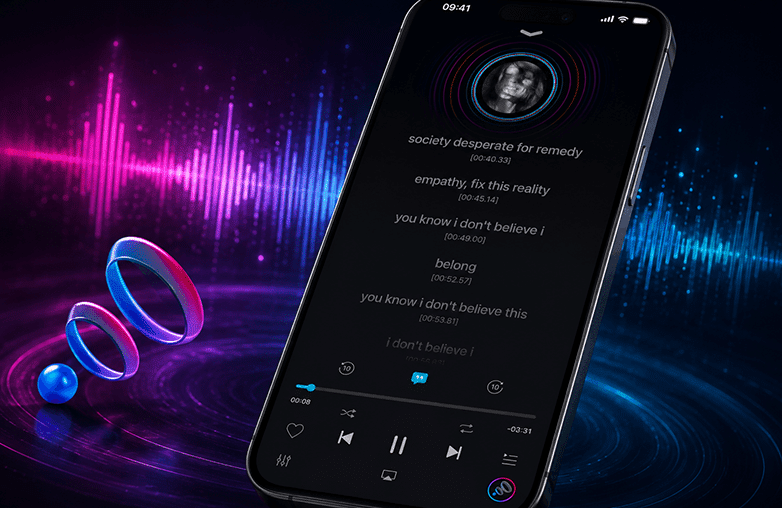
We all enjoy listening to music and look for ways to improve our listening experience. One of the best ways to elevate your music listening experience is by downloading a music player app. Whether you’re working out, commuting, or just relaxing, the right music player app can change the way you listen.
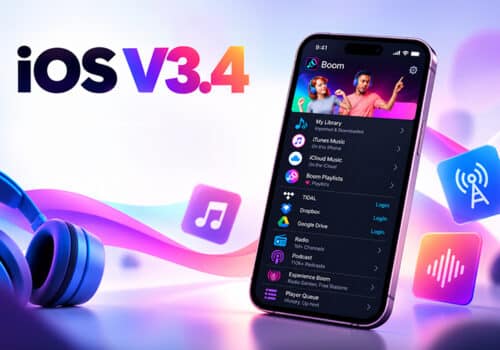
One of the best music player apps for iOS is Boom. Now, with the Boom 3.3.0 update, you can enjoy exciting features like Visualizer and Lyrics to make your music listening experience even better. Read on to get all the deets in Boom iOS 3.3.0.
Boom iOS 3.3.0 adds Visualizer and Lyrics, including customizable visual effects, lyric fetching, importing, pasting, searching, and synchronization.
What’s New in Boom iOS 3.3.0?
You get to enjoy two major additions. The latest update aims to make music playback more engaging. The two additions are:
- Visualizer
- Lyrics
Read the following section to learn how the new features can make your experience interactive.
Feel Your Music Come Alive with the New Visualizer
Did you know that your brain releases oxytocin, endogenous opioids, and dopamine when you listen to your favorite tracks? Yes, you heard that right! These are natural pain relievers that can boost your mood.
It influences the nervous system, and the right music for your mood can do all the magic. With so many benefits of listening to music, why not take it to another level with the Boom 3.3.0 update?
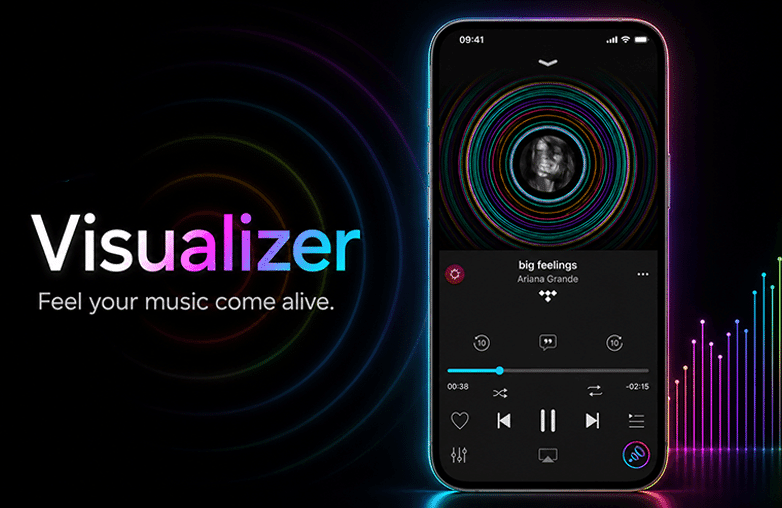
Music can be even more interactive with the Visualizer feature of Boom iOS. Why stare at a static album cover when your screen can be alive with visual effects that react to the beats of music?
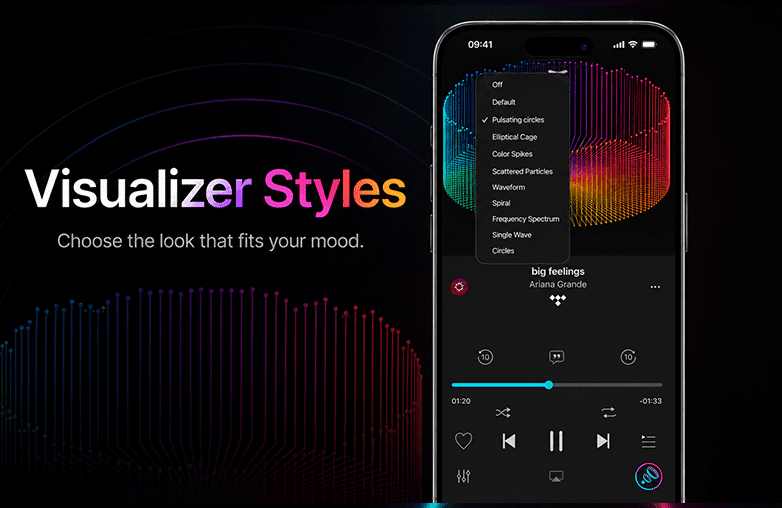
Boom offers various visualizer styles to match the visuals to your mood and music genre. These are some of the visualizer styles offered by Boom iOS.
- Pulsating circles
- Elliptical Cage
- Color Spikes
- Scattered particles
- Waveform
- Spiral
- Frequency Spectrum
- Single Wave
- Circles
You can also turn off the visualizer and even set it as the default.
Feel Your Music Come Alive with the New Visualizer
Benefits of Using a Music Visualizer
A music visualizer is more than just adding visual effects to songs. It transforms your experience into a captivating visual experience that grabs attention and keeps you engaged. When the visuals match the rhythm, mood, and energy of the track, they create a strong connection that keeps you hooked.
More than just a visual effect, a music equaliser helps bring songs to life. It adds life to music and makes the experience interactive. It is perfect to relax after a long, tiring day, enjoying different music genres with various visuals, or simply making your music player look attractive.
Watching colours, waves, and other visuals moving in a particular direction with the music can make you feel relaxed.
Benefits of Using a Music Visualizer
Stay in Sync with the New Lyrics Feature
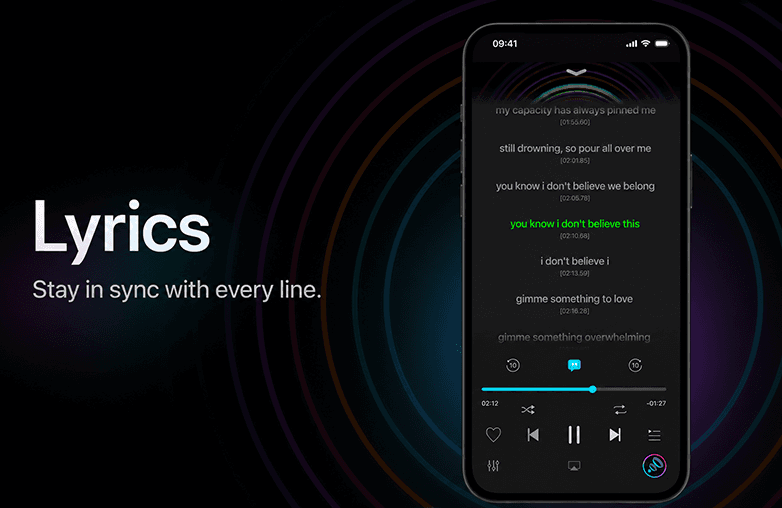
Boom now supports Lyrics directly inside the player. Music lovers have been waiting for this feature for a long time, and the most requested feature is finally here.
Tap the new Lyrics button, and Boom tries to fetch the song’s lyrics from LRCLib, a free lyrics provider. For most songs, the lyrics appear instantly while you play the music. Boom gives you complete control over your music library.
Add Lyrics in Multiple Ways
Many songs don’t have lyrics available online. Some remixes and live performances may not include lyrics. Boom for iOS offers solutions to these problems. You can now paste lyrics for those tracks that don’t include lyrics. You can copy lyrics from anywhere and paste them directly from your clipboard.
You can also Import Lyrics. If you have lyrics saved as a file, you can import them. This is useful if you want to add lyrics for your personal playlist.
You can also Search Lyrics Online. Boom offers a shortcut to search lyrics of your favourite song with Google search. You can find lyrics online, copy them, and paste them into the app. Isn’t this simple? It will not take more than a minute!
You Can Create Synced Lyrics
Boom is more than just a basic music player app. It makes sure your lyrics appear the way you want them to. Boom has always aimed to personalize sound, and the new Lyrics feature tries its best to offer the lyrics placement according to your preference.
When you import or paste lyrics, they are plain text. If you notice, they don’t really scroll with the music. In Boom, tap each lyric line as the song plays. Boom records the timestamp for every line. You can create your own synchronized lyrics. Not all music player apps let you sync lyrics; Boom does that. Through the lyrics menu, you can:
- Create timestamps.
- Delete the current lyrics file.
- Clear all timestamps.
- Delete the entire lyrics cache.
- Share lyrics.
- Edit and organize your lyrics.
With Boom, you can create your personalized lyrics collection.
You Can Create Synced Lyrics
Boom: Bass Booster and Equalizer App
Boom offers powerful features to make your audio stand out. It is compatible with ANY headphones and can take your listening experience from ordinary to extraordinary. Here are some of its best features:
3D Surround Sound
Boom offers immersive 3D surround sound. You can enjoy true-to-life audio on ANY headphones. It lets you enjoy the realism of sound. If you’re ready to dive into the world of 3D surround sound, Download Boom.
Bass Boost
Feel every beat come to life with the Bass Boost feature. We bet you can’t ignore it once you feel it.
Personalized Equalizer
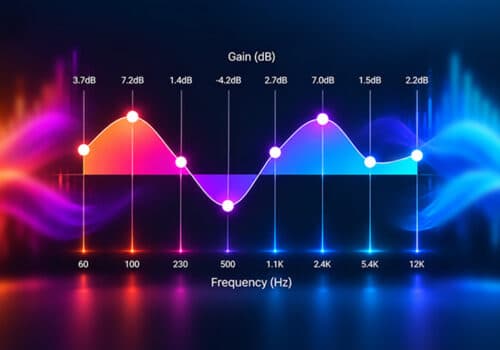
You can make use of an 8- or 16-band equalizer to tune your sound. Simply slide to adjust the frequency bands and enjoy music your way.
Give this blog a read: Why Do You Need to Have the Right EQ to Experience Audio?
Equalizer Presets
Boom offers various Equalizer presets to match your listening preference. You can choose the one that matches your music genre.
Headphone EQ
If you want to enjoy balanced and accurate sound, try the Headphone EQ feature. Boom supports over 5,000 headphone models.
Offline Music Player
Boom is also an Offline Music Player App. You can enjoy your locally stored music without depending on streaming services. This feature is perfect when you travel or if you frequently visit a place with no internet access. Offline music can also help you save on data charges.
Intensity Slider
You can adjust bass and treble with the intensity slider. You can have a completely personalized music listening experience all in one app.
CarPlay Support
You can stream your favorite music with Apple CarPlay support. Whether you’re on a long drive or on a road trip, you can enjoy music with Booming effects.
Boom offers many more features like transcendence mode, pitch effects, tempo effects, and more. You should download the app and discover for yourself what this music player has in store for you.
Bottom Line
Boom iOS 3.3.0 has two new exciting features that you must try. The new Visualizer and Lyrics features make everyday listening more interactive and personal.
Using Boom already? We would love to know your favorite feature. If not, download it today!
FAQs
What is new in Boom 3.3.0?
Boom 3.3.0 introduces two new features: Visualizer and Lyrics.
What is the visualizer feature in Boom?
This feature generates visual effects synchronised with your music. Boom offers various visualizer styles, letting you choose the one that matches your mood and music genre.
Does Boom automatically display song lyrics?
Boom fetches lyrics from LRCLib, a free lyrics provider, whenever available. If the lyrics are not found, you can add them by searching for them online and pasting or importing them.
Can I import lyrics into Boom?
Yes, you can import lyrics from the Files app or search for them online and paste them into the app.
Does Boom work offline?
Yes, Boom supports offline playback for your locally stored music.