






























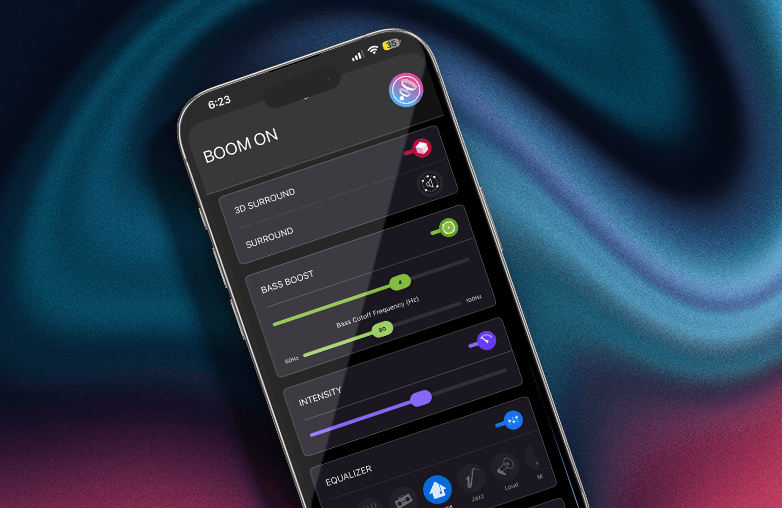
The iPhone offers various features to improve the user experience. Whether you’re making calls, texting, watching videos, playing games, or listening to music, the iPhone provides tools and settings to make your experience fun and convenient.
If you’re someone who likes to enjoy music your way, this blog is for you. Music lovers look for different ways to personalize music on iPhone. One of the best ways to enjoy music on an iPhone is with music player apps. You can make your music listening experience fun and effortless with these apps. Keep reading to learn more!
Download Music Player App
Download a music player app that offers an equalizer and bass-boosting option to help personalize music sound. Your everyday listening experience will improve. You can customize EQ on iPhone with these apps. Moreover, with presets, you can personalize your favorite genres without manually fine-tuning equaliser settings.
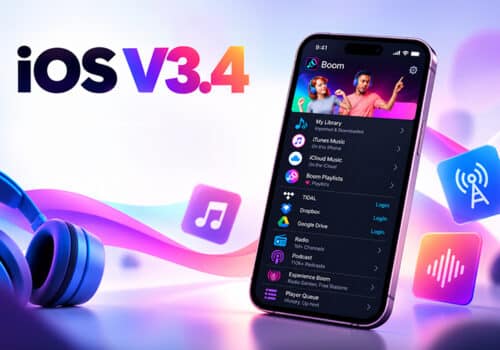
You can explore the best EQ settings for iPhone, and play music your way. These apps let you explore iPhone equalizer settings to see what best suits your music preference. One such equalizer and volume booster app is Boom for iOS. You can download the app on iOS and enjoy a personalized listening experience.
Experiment with EQ Settings
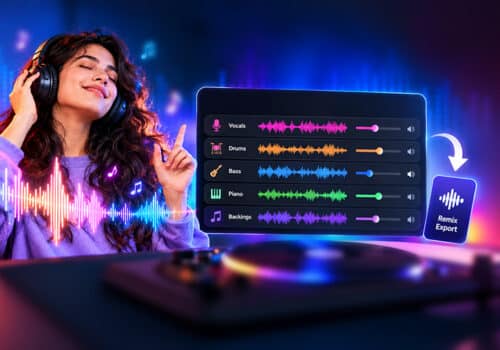
One of the best ways to personalize music sound is to fine-tune equalizer settings to your preference. Everyone has different choices when it comes to music; some may prefer high bass, others may prefer soft music. This is where equalizers will help you; you can enhance bass, mids, and treble.
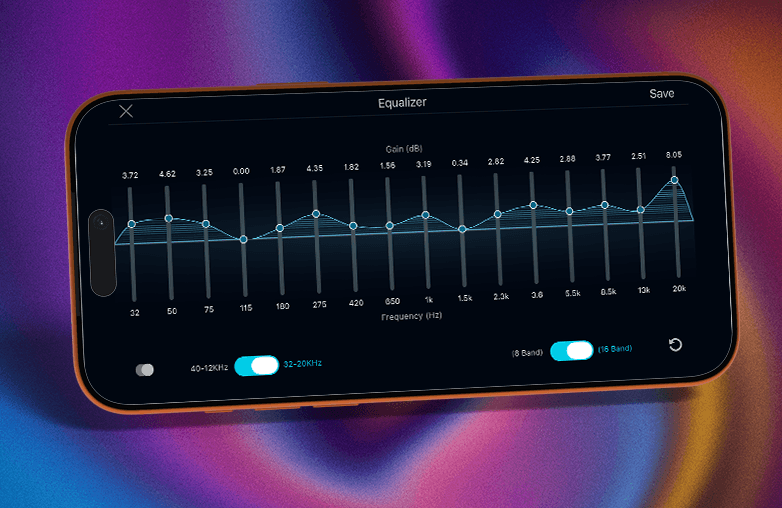
Boom offers an 8 or 16-band equaliser to help relish music in a personalized way. There are also different presets to match your listening style. If you’re not confident about the equaliser, you can try ready-to-use presets to match your everyday music listening experience.
This is a great follow-up read: Best EQ Presets for Different Music Genres.
Personalize music sound
Organize your Playlist with Play Next
Another great way to personalize your music experience on iPhone is by making use of the Play Next feature by Boom. This feature will play the next song in your mind immediately after the current track ends. You don’t have to disrupt your playlist. You just have to choose this option, and your next favorite track will be played after the current track ends.
This feature can improve your daily listening. Instead of changing your playlist and wasting time arranging tracks, Play Next is a simple feature to organize a playlist according to your music listening mood.
You might also find this blog helpful: How to Create the Perfect Music Queue on iPhone.
Enjoy the Perks of an Offline Music Player
One of the best ways to personalize music on iPhone is to download music for offline listening. You can download your favourite songs and listen to them offline. You can enjoy songs on the go without relying on an internet connection. You can create a reliable music listening experience on iPhone without interruptions or weak network connections.
When you download music to listen to offline, there is no buffering; you can save your internet data, and keep your music playing on flights or in no-network zones. Download frequently played playlists and albums and enjoy uninterrupted music with Boom.
Adjust Playback Speed
You can adjust the speed of your favorite music with features like playback speed controls. You will have complete control over how your music should sound, making it easier to customize music on iPhone according to your listening preferences. This feature is more helpful when you have to listen to long podcasts or audiobooks.
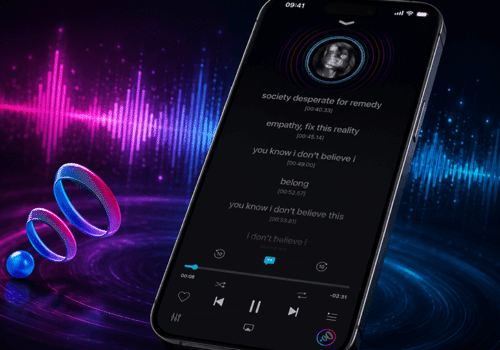
Boom offers a playback speed control feature. You can adjust the speed in 0.1x increments up to 3x speed. If you download podcasts or audiobooks for offline listening, this feature is useful. It also highlights playback speed markers. The current speed will be highlighted on your screen. Along with other iPhone music settings, playback speed controls help improve audio quality on iPhone and create a more personalized listening experience.
Listen to Music with Spatial Audio
Spatial audio on iPhone creates an immersive listening experience. It makes the listener feel like the sound is coming from multiple directions. It adds depth to the sound and makes the audio feel more real and lifelike.
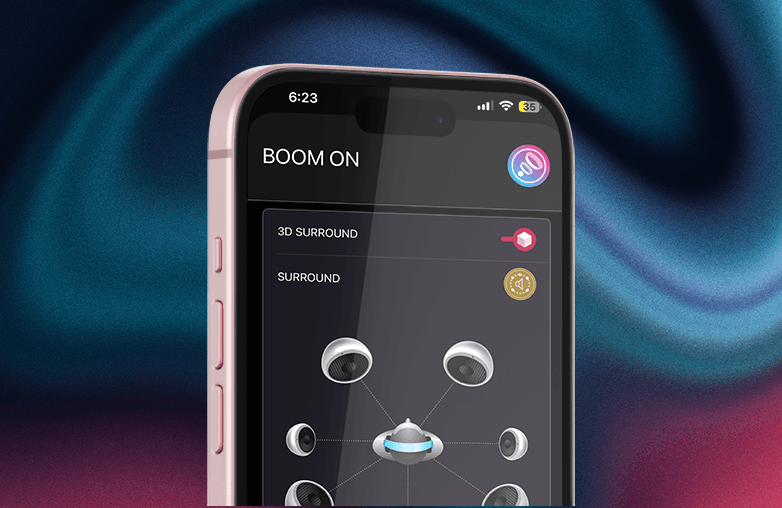
Boom offers 3D surround sound to enhance your music listening experience. It is compatible with ANY headphones and offers theater-like sound on headphones. If you want the best music experience on iPhone, try 3D surround sound.
Equalizer and volume booster app
Bottom Line
You can personalize music on iPhone with these simple steps. To have an enjoyable music listening experience, download a music player app like Boom iOS and take your listening experience to the next level.
FAQs
What is the best EQ setting for an iPhone?
It depends on your personal listening preference. Experiment with EQ settings and check what works best for you.
How do I access EQ settings on an iPhone?
Go to Settings, type Music in the search bar, and then tap on EQ and choose your preferred settings.
Can I create custom playlists on my iPhone?
Yes, you can create custom playlists that best suit your mood.
How can I improve audio quality on my iPhone?
You can download a music player app or enable high-quality streaming in your Music settings.
Does Spatial Audio improve music quality?
Spatial audio can make your listening experience more immersive and make the audio feel alive.
Can I download music for offline listening?
Yes, with apps like Boom for iOS, you can enjoy the perks of an offline music listening experience.
Can audio enhancement apps improve sound quality?
Yes, these apps can improve sound quality with various features.
Why should I customize EQ settings?
Customizing EQ settings will help you enjoy personalized sound curated to your listening preferences.
How often should I update my playlists?
You should update your playlists frequently to enjoy music of your choice.
Which is the best app to personalize music on iPhone?
Boom is one of the best apps to personalize music on iPhone.