





























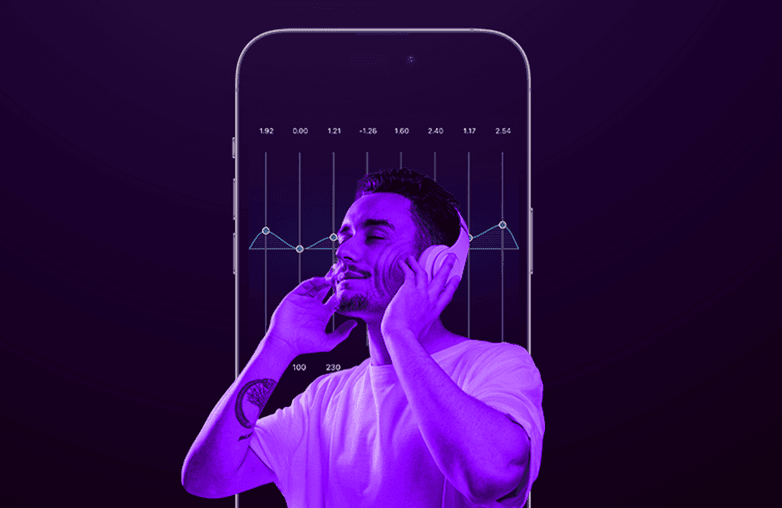
Presets are ready-to-use equalizer settings that let you customize sound. If you’re not sure how to use an equalizer, these presets can be of great help. Moreover, it’s also helpful when you quickly want to customize sound without manually fine-tuning the equalizer.
There are different presets to match your mood. You can find these presets in music player or equalizer apps. You just need to find the best EQ presets that match your current mood, and you’re good to enjoy music. To learn more about EQ presets and different music genres, continue reading the section below.
What is an EQ Preset?
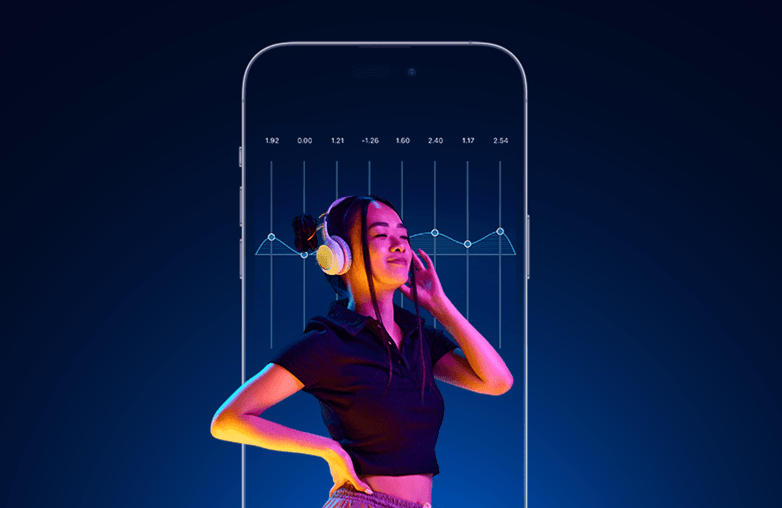
An equalizer lets you adjust the audio frequency to your preference. You can add depth, shape instruments and vocals, and adjust each audio spectrum to add clarity and detail.
However, fine-tuning the equalizer can be time-consuming. If you’re just learning about equalizers and want to save time, you can use a preset. A preset is pre-optimised for a particular genre. You just need to pick the one that matches the genre of what you’re listening to. The right EQ preset will help improve clarity and detail, make vocals clear, enhance bass, add depth, and create an immersive listening experience. You should choose the best EQ presets for your genre to enhance your listening experience.
What is an EQ Preset
Best EQ Preset for Pop Music
Choose the preset Pop for pop music. It can boost vocals and offer controlled bass. It can make pop songs more entertaining and energetic. One of the alternative presets for Pop music is ‘Vibrant’; however, it’s best to select Pop. It is best for dance-pop, contemporary pop, and teen pop.
Pop music can relate to your emotions and has danceable rhythms. It’s connected to love, confidence, and heartbreak; these emotions are common, and you can easily connect with them. Bring your favorite pop songs to life with the Pop preset; it will offer the right audio frequencies that pop music deserves.
You can also read this blog: How to Create the Perfect Music Queue on iPhone.
Best EQ Preset for Hip-Hop and Rap
You should pick the Hip-Hop preset to enjoy rap and hip-hop music. These music genres focus on punchy bass lines and vocals. The hip-hop preset will allow you to experience punchy bass and clear vocals. The details of the track really come through.
Hip-Hop and rap music have a hypnotizing beat that can make you move, and it is best experienced with a hip-hop preset. This preset is best for trap, rap, or drill. Another alternative to try for Hip-Hop and Rap music is bass boost and R&B.
Best EQ Preset for EDM
EDM music is best enjoyed with an electronic preset. Choosing an electronic preset will help you experience the liveliness of EDM tracks. Whether you’re listening to “Animals” by Martin Garrix or “Titanium” by David Guetta, an electronic preset with your headphones on will make you feel like you’re in the song.
An electronic preset is best for EDM, Electro-pop, festive tracks, or progressive house. You can also try House, Party, or Loud presets to enjoy EDM music.
Best EQ Preset for Rock Music
The best preset for Rock music is Rock. It will help boost mid-range frequencies and will elevate your listening experience. Whether it’s overdriven guitars, booming drums, or strong vocals, the rock preset will help you experience every instrument in the music precisely.
Rock music can feel exciting with the right preset. The mixture of rhythms, beats, and raw energy makes rock music stand out. It is best for Hard Rock, Indie Rock, and Classic Rock. You can also try the ‘Loud’ or ‘Vibrant’ preset for Rock Music.
Best EQ Preset for Classical Music
Classical Music is soothing and is best experienced with the Classical preset. This genre does not overly boost bass or treble; it is more balanced and focuses on clarity. Most classical music is focused on instruments, which can bring joy, peace, and a sense of serenity without vocals.
The Classical preset works best for Symphonies, Chamber Music, Orchestral Music, and Piano Compositions. The other best EQ Presets for classical music are Acoustic and Flat.
Best EQ Preset for Jazz
Jazz is about enjoying the instruments in detail; it’s best enjoyed with the Jazz preset. It can enhance highs and mids and let you enjoy the details of instruments such as pianos, drums, and brass instruments.
Even if you can’t explain the theory behind it, you will simply enjoy how the music sounds. It is best for Traditional Jazz, Bebop, Fusion, and smooth Jazz. You can also hear Jazz music with the Lounge preset.
Best EQ Preset for R&B
The vocals and rich bass of R&B are best enjoyed with the R&B preset. The vocals of this genre will connect with the audience; it is more of heartbreak, relationships, and others that connect the audience emotionally. R&B is best enjoyed when focused on vocals, and the R&B preset does that perfectly.
R&B preset is best for slow jams, contemporary R&B, soul, and Neo-soul. You can also try listening to R&B music with the Hip-Hop preset.
Best EQ Presets for Popular Music Genres
Bottom Line
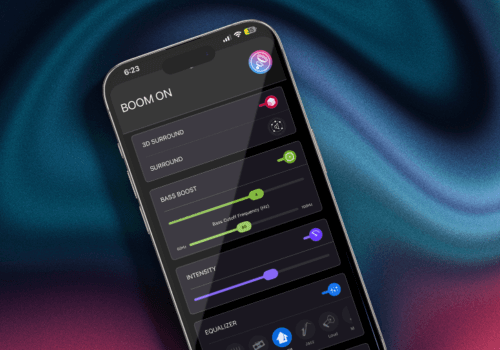
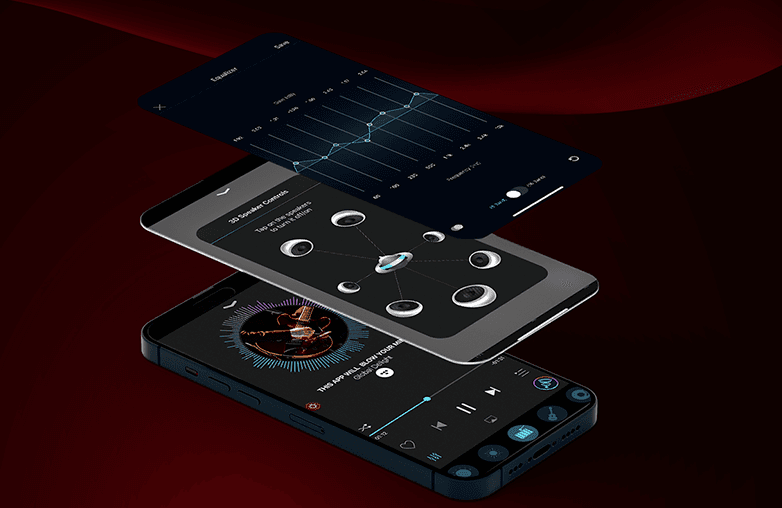
These are some of the best EQ presets for different music genres. You can find all these presents in the Boom app. This equaliser and bass booster app gives you complete control over your music. It also has various other features to amp up your listening experience. Moreover, Boom iOS has released a set of new features to improve your music listening experience. Download Boom on iOS or Android.
FAQs
Which EQ preset is best for bass?
You can try the bass boost preset to enjoy powerful bass.
Which is the best EQ preset for pop music?
The pop preset is ideal for enjoying pop music. It is designed to enjoy pop music in the best possible way.
Which EQ preset is good for rap songs?
To enjoy rap songs, choose Hip-Hop and Bass Boost presets.
Which EQ preset can improve vocal clarity?
The ‘Vocal’ preset can improve vocal clarity.
Can EQ presets improve headphone sound quality?
Yes, they can optimize frequencies and make your listening experience more enjoyable.
How to find the best EQ preset?
Choose a genre-specific preset for the best sound experience.
Which is the best app for EQ presets?
Try Boom for iOS and Android to experiment with different EQ presets.