

























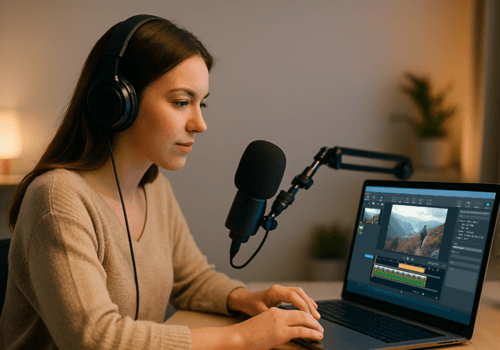






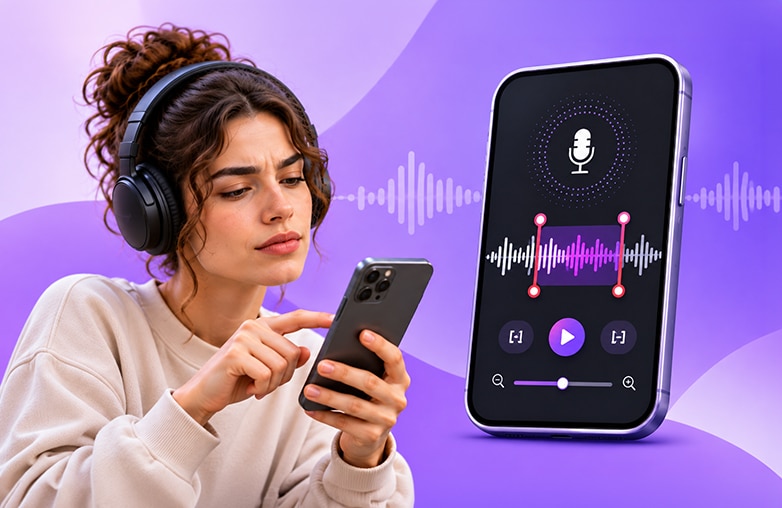
Podcast editing software makes your recordings sound professional. It plays a crucial role in keeping your audience engaged. Your audio usually includes ums, long pauses, a barking dog and that one cough you wish never happened. Whether you are a beginner or a professional, you always need podcast audio editing software.
Whether you record on your phone or on a laptop, there is a tool here for you. Some are free, and some are paid. All of them are worth a look. Let’s get started!
A Good Podcast Editing Software Should Include
Here is a simple checklist of what good podcast audio editing software should have:
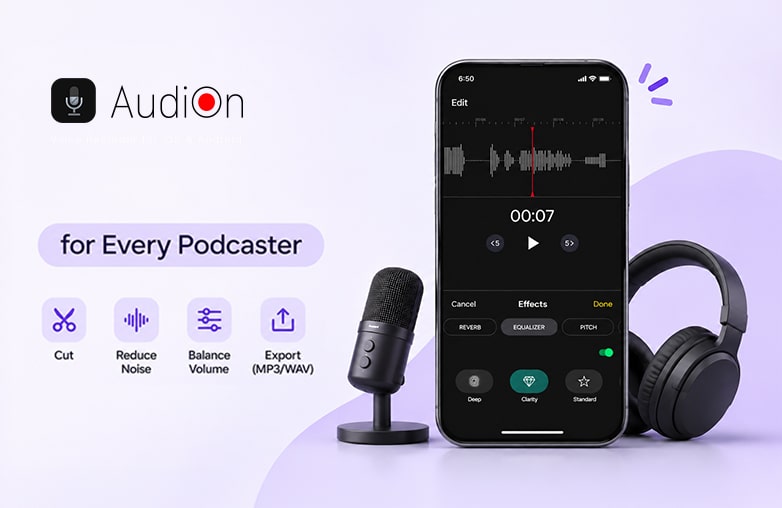
- Let you cut, trim and move clips without stress.
- Reduce background noise.
- Balance volume between you and your guest.
- Export in the formats podcast platforms need, like MP3 and WAV.
- Easy to learn, especially if you are new.
If you are just starting, pick a podcast editor for beginners first. You can always switch later.
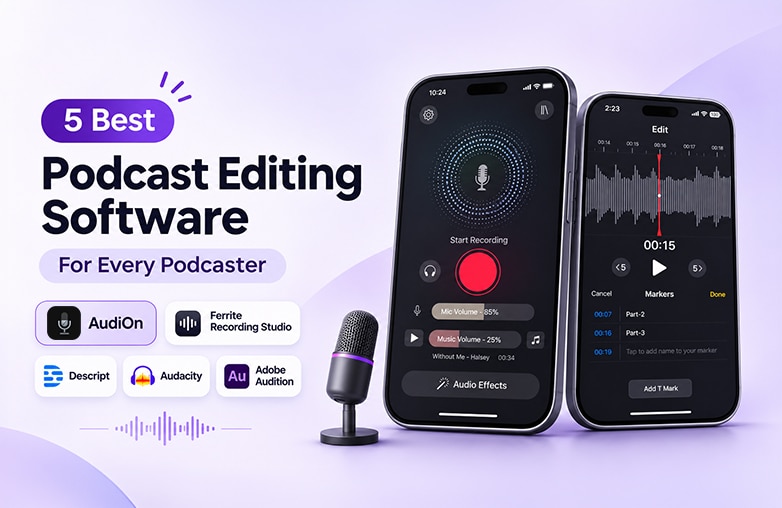
AudiOn
AudiOn is our first pick, and it is built for people who want to record and edit podcasts without complicated steps or instructions. If you want podcast editing apps that feel simple and get out of your way, start here.
Why people like it:
- Simple interface, so you don’t feel lost on day one.
- Record and edit in one place.
- Quick fixes like trimming, splitting and merging clips
- Advanced features like mic boost, transcription, teleprompter, timestamps, audio effects, equalizer presets, geotagging, and more.
- Works well for solo creators and small teams.
Best for: Beginners and professionals who want one simple app for mobile use.
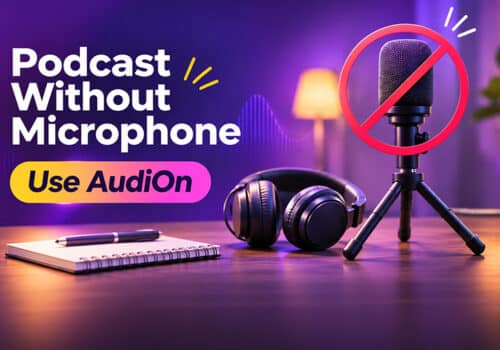
Give this blog a read: How to record a podcast without a microphone.
Podcast equipment for beginners
Ferrite Recording Studio
Ferrite is a favorite among iPhone and iPad podcasters. It looks like a real studio on a small screen. You can edit with your fingers, which feels surprisingly natural.
Why people like it:
- Multitrack editing on mobile.
- Strong tools for trimming silence and adding clips.
- Good for interviews and narrated shows.
Best for: iPhone and iPad users who want more control.
Descript
Descript turns your audio into text. To cut a sentence, you just delete the words, like you would in a document. It also has a mobile app, so you can make quick edits away from your desk.
Why people like it:
- Edit audio by editing the transcript.
- Easy filler word removal (goodbye, “um” and “uh”).
- Handy for teams that share projects.
Best for: Talk shows and interview podcasts.
Audacity
Audacity is one of the most popular audio recording and editing tools. It is free, open source and has been around for years. If you want free podcast editing software that does the job on a computer, this is usually the first name people mention. However, beginners may need a few tutorials to understand the software.
Why people like it:
- Completely free
- Works on Windows, Mac and Linux
- Lots of effects and plugins
Best for: Creators on a budget who are fine with putting in time to learn the features.
Adobe Audition
Adobe Audition is a pro-level tool. If you want a powerful podcast editing tool with detailed noise reduction and multitrack control, this one delivers. It is a paid desktop app, and it is more than most beginners need. It takes time to learn.
Why people like it:
- Excellent noise and echo cleanup
- Powerful multitrack editing
- Works smoothly with other Adobe apps
Best for: Experienced podcasters and studios.
Podcast Editing Software Comparison Table
| Software | Platform | Price | Best For | Ease of Use |
| AudiOn | Mobile | Free trial available, with paid plans after the trial ends. | Beginners and professionals for quick edits | Very easy |
| Ferrite Recording Studio | iPhone, iPad | Free with paid upgrade | Mobile multitrack editing | Easy |
| Descript | Desktop, web, mobile | Free plan, paid plans | Interview shows | Easy |
| Audacity | Windows, Mac, Linux | Free | Budget creators | Medium |
| Adobe Audition | Windows, Mac | Paid subscription | Pro-level editing | Hard |
Bottom Line
The best podcast editing software is the one you will find useful. For most new creators, AudiOn is the easiest place to start because it keeps things simple. If you want a free desktop tool, Audacity is a great choice. If you want speed, Descript is good. And if you are going pro, Adobe Audition is a must-try.
Start small, edit often, and your episodes will get better with every upload. Pick any one of these apps and start recording.
Best podcast recording software
FAQs
What is the best podcast editing software for beginners?
AudiOn is a great pick for beginners because it is simple and easy to learn. Audacity and Descript are also good podcast editors for beginners.
Is there free podcast editing software?
Yes. Audacity is free. AudiOn, Descript and Ferrite also offer free versions or plans with limits.
Can I edit a podcast on my phone?
Yes. Apps like AudiOn, Ferrite and Descript let you cut, trim and clean up audio right on your phone.
What is the difference between podcast editing tools and recording tools?
Recording tools capture your voice. Podcast editing tools help you cut mistakes, fix volume and clean the sound afterward. Many apps do both.
How long does it take to edit a podcast episode?
A simple episode can take 30 to 60 minutes once you know your tool. It gets faster with practice.




Leave a Reply
You must be logged in to post a comment.