



























We all love listening to music, and as music lovers, we may have explored music streaming apps. However, now that you’re looking for offline playback music apps, you might be a frequent traveler, trying to save your phone’s data and battery, or simply have your own reasons. Whatever the reason, offline listening gives you complete control over your playlist.
Whether you’re on a flight or in a low network area, you can still enjoy your favourite music. Moreover, you can eliminate buffering, unwanted ads, and extra data charges. If you want to access your playlists anytime, this blog will help you choose the best app. Learn about the apps that are best for offline playback on iOS.
Why Choose Offline Music Apps for iOS?
Boom: Bass Booster and Equalizer App
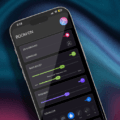
Boom is a music player app that works online and offline. One of the best features of using Boom is its high-quality offline playback. Boom offers 3D surround sound, an 8 or 16-band equalizer with presets, and various other features. It offers a personalized listening experience and is compatible with ANY headphones.
Key Features to Look for in Offline Music Apps
Boom also helps you keep your playlist organized. You can name, rename, add to favourites, and do more with Boom. Moreover, you can transfer music files from a computer, import from a phone, and download from the web with Boom. It is one of the best apps to save music offline. If you want to enhance your offline music listening experience, download Boom on your iPhone.
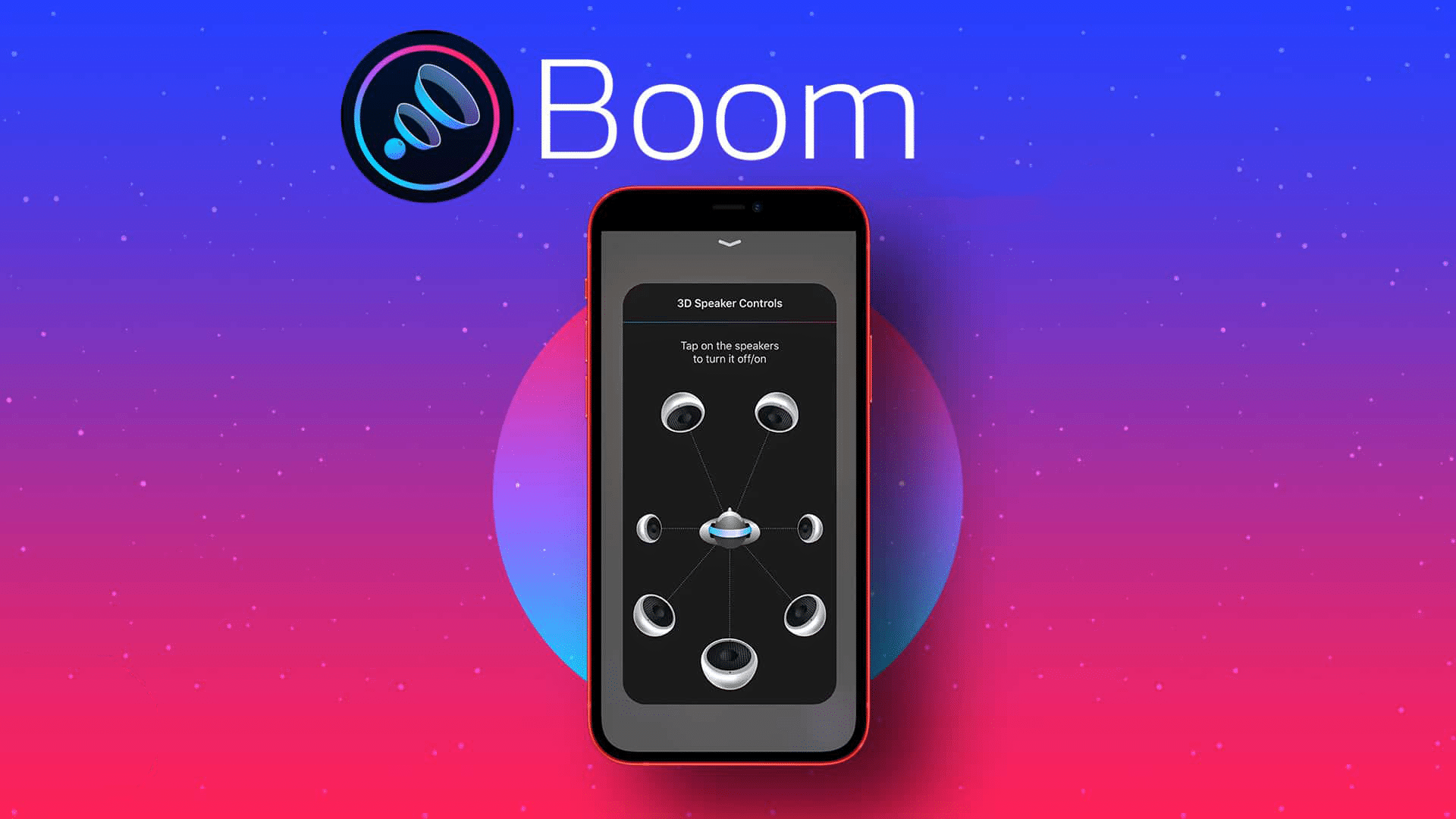
App interface of Boom equalizer
YouTube Music: Download Music Offline
Another good way to enjoy listening to offline music is to download tracks from YouTube Music. You can save an entire playlist; your music stays with you even when you’re offline. With YouTube Music, you can stream songs seamlessly, but the real advantage is with YouTube Premium. Subscribers can download albums, tracks, and even videos for offline playback. This option makes it convenient for travelers or those with limited internet access.
It offers a vast library of new releases, old albums, and rare versions of songs. You can also enjoy music and video content on YouTube. Download your favourite songs, and listen to tracks on the internet. It is one of the best iOS music download apps for enjoying offline playback.
Listen to Music Offline
Best Offline Music Apps Compared
Pandora: Offline Playback App
When it comes to the best offline playback apps, one cannot ignore Pandora. It offers access to millions of tracks and podcasts. For users who prefer offline playback music, Pandora offers downloadable content through its paid tiers. With a subscription, you can save songs and stations directly to your device and listen to tracks without Wi-Fi or data. This is perfect when you’re travelling or in a low-network zone.
The app also includes multiple listening modes. These modes allow listeners to explore music in different ways. Whether you want to listen to fresh releases, hidden gems, or popular hits, Pandora lets you explore music according to your taste. Pandora Plus and Pandora Premium pricing may vary by region and promotional offers. You can download Pandora from the App Store.
Tidal: Listen to Music Offline
Tidal is a popular streaming app and is among the best offline playback apps for those who place importance on high-quality audio. It offers access to over 80 million songs, which makes it a top choice for music lovers. Tidal is known for its high-fidelity audio experience. Subscribers can download playlists, albums, and tracks for offline listening. It is one of the most convenient music apps without data when you’re travelling.
It offers lossless and high-resolution sound formats, making it perfect for audiophiles who prefer high-quality sound. However, offline playback is available only through paid plans. Pricing may vary depending on region and current offers. Download Tidal on your iPhone and enjoy the perks of offline playback.

Music apps without data
Offline Music Player: Offline Music with Powerful Equalizer
Offline Music Player allows users to import songs and listen without the phone’s data or Wi-Fi. It’s ideal for travelers, students, and others searching for music apps without data. Offline Music Player supports local file transfers. You can import audio via iTunes file sharing, AirDrop, Cloud storage services, and Direct file transfers.
Moreover, you can keep your playlist organized by creating folders, playlists, repeat and shuffle modes, background playback, and lock screen controls. You can also fine-tune audio with an equaliser and presets. Offline Music Player is all about offering the best listening experience without data or Wi-Fi.
Give this blog a read: Streaming vs Offline Music: Why Smart Listeners Choose Both.
Bottom Line
These are some of the best offline playback music apps for iOS. Each app offers a unique listening experience. If you want to save your phone’s data and battery, these apps are some of the best picks for you. Pick the one that matches your requirements and enjoy offline music like never before.
Key Facts
- Offline music apps eliminate internet dependency
- Users can download or import songs locally
- Boom offers 3D audio and equalizer features
- Tidal provides lossless high-quality audio
- YouTube Music and Pandora require subscriptions for offline downloads
- Offline playback saves mobile data and battery
FAQs
What is the best app for listening to offline music?
Like music, app preferences are subjective. Some of the top picks are Boom, YouTube Music, Pandora, Tidal, and Offline Music Player.
How to play songs in offline mode?
You can download and import songs to music player apps and play them in offline mode.
Do offline music apps require a subscription?
It depends on the app. Most apps that offer high-quality audio and various other features need a subscription.