





































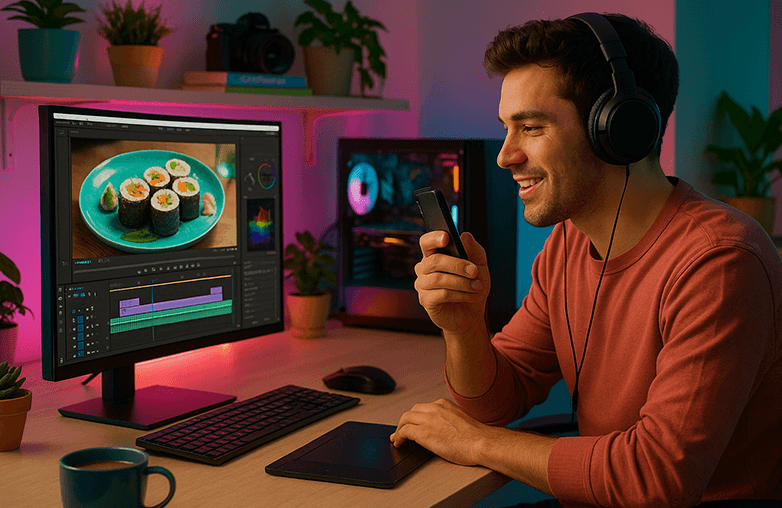
Beginners can easily create stunning travel and food vlogs using simple editors like Capto, Filmora, PowerDirector, and InShot. These tools offer quick trimming, color presets, voice-over support, and smooth export options—making them ideal for YouTube, Instagram, or Reels. Choose based on your device, editing style, and need for screen recording or mobile editing.
Whether you’re new to food and travel vlogs or you’ve been creating them for a while, having the right tools can make your content stand out. No matter where you are in your journey, whether you’ve just started or have already built a loyal audience, one thing that will always matter is high-quality content.
If you’re looking for something easy without requiring a lot of time and effort, this blog is for you. We will walk you through the best options that meet the requirements of creators looking for beginner-friendly video editor tools. So, if you’re cooking or tasting the best delicacies or hiking to breathtaking views and other mesmerizing places, bookmark this blog now!
What to Look For as a Travel & Food Vlogger
When you’re creating travel or food videos, you need software that helps bring your story to life. A great beginner-friendly video editor should make the process simple, fast, and enjoyable. Here’s what really matters:
- Fast trimming and clipping so you can turn long travel clips or cooking sessions into short, engaging highlights.
- Color tweaks and easy presets to make food look vibrant and mouthwatering, and to bring out the beauty of landscapes and café aesthetics.
- An intuitive interface that lets you edit quickly, whether you’re doing vlog editing on a laptop at home or adding quick touches on the go.
- Smooth screen and webcam recording for moments when you want to share tutorials, behind-the-scenes clips, or step-by-step recipe breakdowns.
- Built-in annotations and text tools to highlight ingredients, locations, or travel tips directly within your videos.
- Easy export options so you can quickly publish to YouTube, Instagram, or your vlog channel without dealing with complicated settings.
These features help you stay efficient, especially when you’re the only one doing everything, from shooting to creating to editing your own videos.
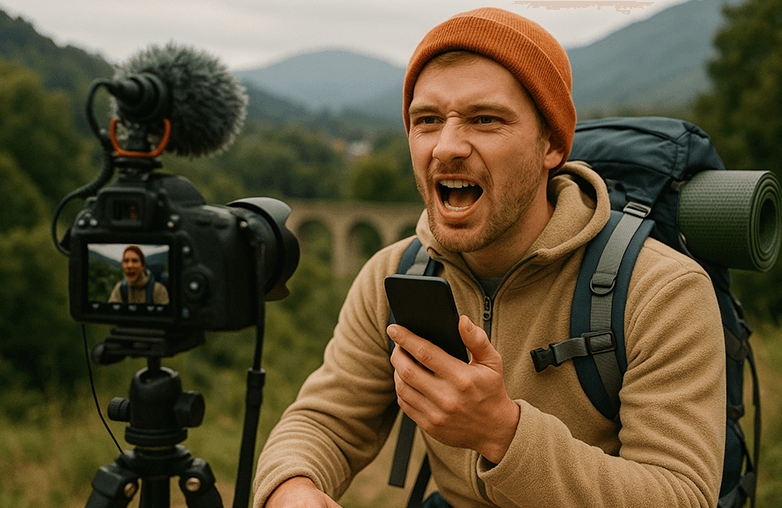
Capto: Screen Recording and Video Tool for Quick Edits
Capto is the top choice of vloggers as it makes video editing simple and quick. Moreover, if you often mix screen recordings with camera footage, Capto is your best bet. It is also the best video editor with a built-in voice-over tool.
It lets you trim, cut, and join clips. Its built-in annotations and callouts make it easy to highlight tips, ingredients, or important steps on screen. Exporting is fast and simple, perfect when you’re editing from a café, hotel room, or even a train. Additionally, you can keep your videos organized; it offers an excellent file management feature, and you can create a folder and name it. Capto is a reliable software for vloggers. Download Capto for Mac or Windows.
Filmora: Cinematic Vlog App
Filmora is a beginner-friendly app that offers beyond basic editing features. It covers most of the features that are a must for travel and food vloggers. It offers drag-and-drop editing, clean trimming tools, text and titles, transitions, motion tracking, and more.
You can easily put together your travel clips, add music or voice-over, and apply filters to give your food and travel shots a vibrant and classy finish. If you want to focus on your actual content, your story, your recipes, your travel moments, without having to figure out complicated technical settings, Filmora can be a great choice to create videos fast. You can download Filmora on desktop and mobile.
You can also check: Voice Recorder Apps for Gamers.
PowerDirector: Vlogging Video Editor
PowerDirector is one of the top beginner-friendly video editor choices that will help your video stand out without involving you in complex technical steps. It offers features like motion tracking, keyframe controls, audio enhancements, and a solid library of effects, making it one of the best choices for travel and food vlogs.
The best part is that its interface feels super easy, even if you’re new to editing. You can start with the basics and slowly explore more advanced options as you learn. If you’re looking for an editor that is easy to use and offers advanced tools, download PowerDirector. You can download the app on Windows, Mac, iOS, or Android.
InShot: Edit Videos on Phone
InShot is a popular video and photo editing app for both Android and iOS. It makes editing on your phone simple and easy. It lets you trim, cut, merge clips, adjust speed for slow-motion or fast-motion effects, and mix photos with videos effortlessly. It is one of the best travel vlog editing apps on your phone. You also get a wide range of text options, stickers, emojis, and animated overlays that are perfect for adding subtitles, captions, Introductions, or highlighting key steps in your food or travel videos.
Top Mobile Editing Apps for International Travelers
It also offers filters, visual effects, and smooth transitions, and can make your food close-ups or scenic travel shots look more cinematic. Whether you’re looking for food vlog video software or travel editing software, InShot will not disappoint you.
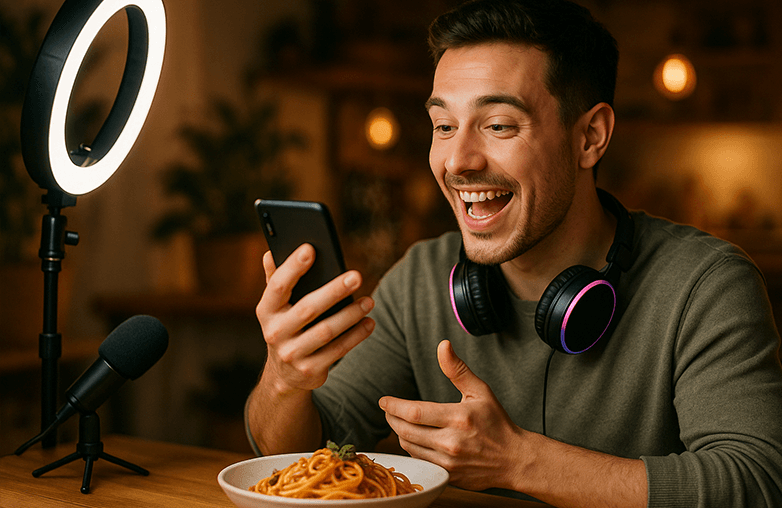
Top Mobile Editing Apps for International Travelers
Bottom Line
If you’re searching for a beginner-friendly video, these are some of the best software programs you can download. Pick the best one and make your travel and food vlogs interesting. Which one will you pick?
FAQs
What software do travel vloggers commonly use?
Travel vloggers often use phone and desktop tools. Popular choices include Capto, Filmora, PowerDirector, and InShot.
Which vlogging video editor is easiest to learn for laptop users?
Capto and Filmora are easy to use, and they have powerful toolsets and features. You can simply edit videos without needing to learn advanced editing skills.
Can beginners create cinematic vlogs?
Yes! With the right tools, like Capto, you can create cinematic videos.









Pingback: Record Voice-Over Videos Easily - Built-In Voice Recording
Pingback: How to make step-by-step instructional videos for beginners
Pingback: How to Record Video on PC: Easy Webcam Recording Guide 2025
Pingback: How to Create Reaction Videos (Easy Guide for Creators)