






































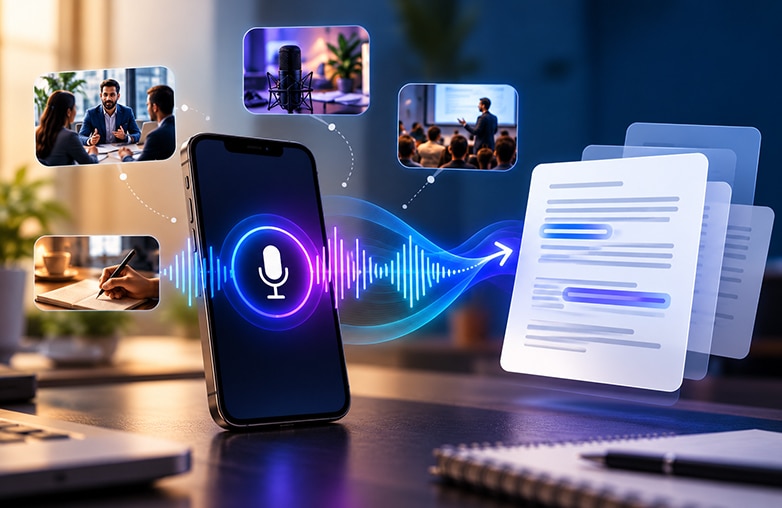
Voice recorders are used for various purposes, including podcasts, interviews, lectures, and more. These recordings are usually more than 15 minutes long, and finding that one important sentence can be difficult. Instead of listening to the entire recording again, you can simply use the searchable transcripts. A voice recorder with a transcription feature makes the task easier by turning spoken words into text.
A voice recorder with transcription converts spoken words into searchable text, making interviews, lectures, meetings, and podcasts easier to review. Popular options include AudiOn, Notta, Otter, Rev, and Riverside. Compare their recording, transcription, editing, speaker identification, and language support features to choose the best app for your needs.
Moreover, it’s easier for your audience to understand. People from different regions have different accents; with transcription, you can easily convey your message to your target audience. Voice recorder apps with transcription make editing recordings and understanding accents easier. Here are the five best options to try!
Best Voice Recorder Apps with Transcription
| Apps | Best For | Transcription Feature | Useful Features |
| AudiOn | High-quality voice recordings and editing | Live and recorded audio transcription | Mic Boost, EQ presets, reverb, voice isolation, timestamps |
| Notta | Meetings and multilingual transcription | Real-time transcription | Speaker recognition, bookmarks, translation, summaries |
| Otter | Meetings and collaborative notes | Live transcription and speaker recognition | AI summaries, searchable transcripts, collaboration |
| Rev | Interviews and professional transcription | Live AI transcription and human transcription option | Speaker labels, transcript editing, sharing |
| Riverside | Podcasts and creator workflow | Audio/video transcription | Recording, editing, captions, speaker identification |
AudiOn: Recording, Editing and Transcribing Audio
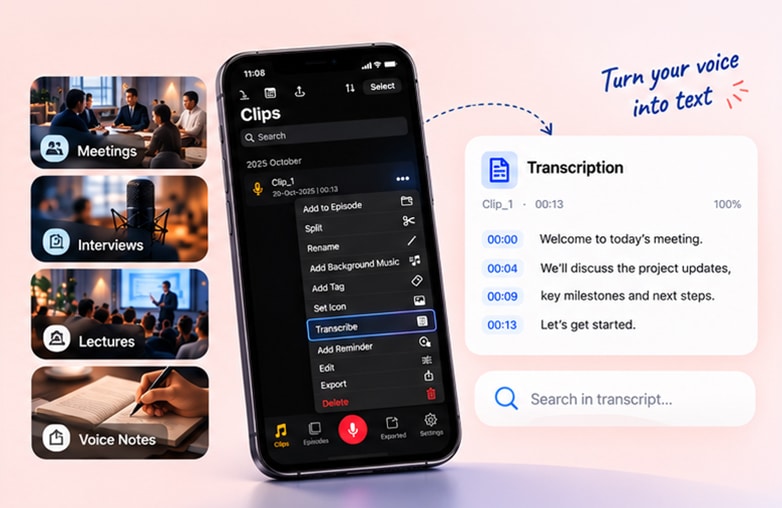
AudiOn is more than just a voice recorder with transcription. It’s an all-in-one app for recording and editing. It offers features to record, enhance voice, edit, organize, and transcribe recordings. AudiOn can convert speech from live or recorded audio into text. It is useful for podcasts, lectures, voice notes, and interviews. Its transcription can also be edited, which gives it an added advantage by helping users correct mistakes and keep recordings professional.
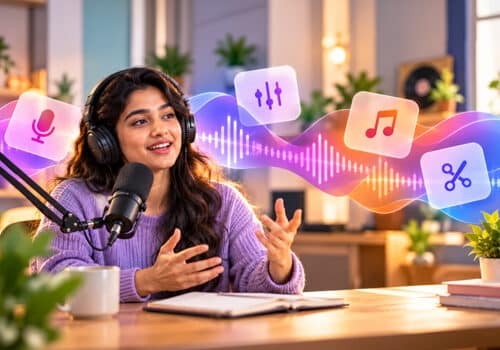
It also offers features to enhance your voice recordings. It includes voice isolation, audio ducking, EQ presets, reverb, skip silence, timestamp markers, geotagging, trimming, merging, and splitting. AudiOn also offers a Mic Boost feature, where you can boost your phone’s microphone sensitivity by up to 200%. This can help capture even a quieter voice. AudiOn is great for beginners and seasoned pros. For those who want to record and transcribe audio on their phone, AudiOn is the best bet. You can download AudiOn from the App Store or Google Play Store.
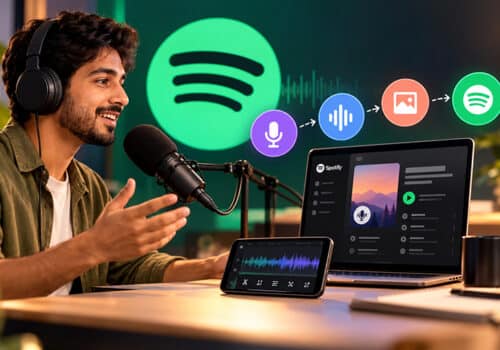
Give this blog a read: How to start a podcast on Spotify.
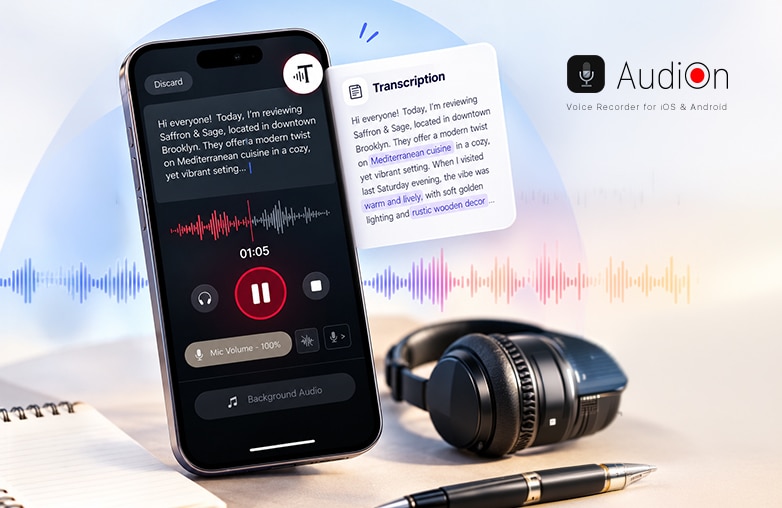
AudiOn voice recorder app for audio recording and transcription
Notta: Multilingual Transcription
Want to make interviews, podcasts and conversations into searchable information? You should try Notta. Its phone app can record audio and generate a transcript, while existing audio and video files can also be imported for transcription. You can add bookmarks while recording audio, search the transcript, adjust playback speed, and translate transcript text into more than 40 languages.
Recordings and transcripts can also sync across devices. If you record multilingual conversations, Notta can be helpful. It is used by professionals, students, and people who need multilingual transcription. Download the app on iOS or Android.
You may find this blog informative: How to create professional voiceovers for social media videos.
Otter: For Meetings and Collaborative Notes
Are you in search of AI transcription apps? Your search ends with Otter. It’s a great app for meetings; it lets you record and transcribe spoken words. It also offers speaker identification that helps separate different people in a discussion.
You can search for transcripts, edit them, and create summaries. This is useful for professionals to create meeting summaries or share meeting information. Otter can be useful for interviews, collaborative note-taking, business meetings, and team discussions. Download Otter for iPhone or Android.
Rev: Accuracy-Focused Work
Rev is one of the best voice recorder apps with transcription. It combines automated transcription with access to human transcription. It offers live automatic speech recognition while recording. You can edit, analyze, and share transcripts from your phone. If accuracy is important for you, Rev also offers human transcription.
Rev is a great app for interviewers, journalists, and professionals who need a transcript for their professional work. Rev is available to download for iOS and Android.
Check out this interesting blog on the topic: Five best content creation apps for social media influencers.
Riverside: Transcription app for Podcasters and Content Creators
Riverside is one of the best voice recorder apps with transcription. You can record, edit and transcribe with Riverside. It can identify speakers and provide timestamps, while creators can use transcripts alongside editing and captioning tools.
Riverside focuses on recording quality. Overall, it’s a decent app for podcasters and content creators who want to transcribe their recordings. It’s also great for interviewers and journalists who want recording, editing, and transcription in one app.
Voice recording and transcription workflow for podcast
Bottom Line
These are some of the voice recorder apps with a transcription feature. Each of these apps has unique features. Choose the apps that meet your preferences. Download a voice recorder with transcription to your phone and make your recordings sound excellent.
FAQs
What is a voice recorder with transcription?
A transcription feature converts spoken recordings into written text. This feature reduces the need to type text manually after recordings; it also makes the content easier to search, read, and review.
What is the best voice recorder with transcription?
Some of the best apps are AudiOn, Notta, Otter, Rev, and Riverside.
Can I record and transcribe audio on my phone?
Yes, several voice recorder apps with transcription let you record and transcribe directly from your phone.
What is a free audio transcription app?
There are various free audio transcription tools, but if you want accuracy, paid tools are the best options.
Can a voice recorder transcribe a conversation?
Yes, transcription apps can convert conversations into text.









Leave a Reply
You must be logged in to post a comment.