



































A great video is not just about visuals; audio plays a significant role in making your content stand out. Moreover, your voice adds a personal touch and helps connect with your viewers. Whether you’re guiding your audience, explaining a tutorial, or creating a vlog, choosing the right video editor voice-over tool can completely change the quality of your content. List the tools: Capto, Camtasia, Final Cut Pro, Filmora
This article covers the best video editor voice-over tools, their features, supported devices, and ideal uses for creators.
What Is a Video Editor Voice-Over Tool?
It allows you to create, edit, and modify your content without having to struggle with multiple apps. If you are a solo creator, these video editing apps will make your task simpler and easier. This blog will help you choose the best app to add voice-over and edit your content.
Why a Video Editor Voice-Over Feature is Truly Essential
Instead of recording your audio in one app and then importing it into another for editing, a smart voice-over and editing app lets you handle everything in one place. You can:
- Record your screen and add your voice.
- Easy trimming and splitting of voice clips.
- Quick annotations and captions to support narration.
- Export options optimized for tutorials, presentations, and social media.
Such apps can make your content more engaging and give it a professional appearance. You can also read: Privacy and security in voice recorder apps.
Best Video Editors with Video Editor Voice-Over Features
| Video Editor | Platforms | Best For | Key Voice-Over Features | Ease of Use | Notable Highlights |
|---|---|---|---|---|---|
| Capto | Mac, Windows | Educators, trainers, demo creators, students | Record screen + voice together, timeline editing, re-record specific sections | ⭐⭐⭐⭐⭐ (Very Easy) | Perfect voice sync, ideal for tutorials and guided videos |
| Camtasia | Mac, Windows | Educators, training creators | Voice-over while screen recording, built-in audio adjustments | ⭐⭐⭐⭐☆ | Great for instructional and training content |
| Final Cut Pro | Mac | Professional creators, high-quality productions | Direct voice-over recording, real-time monitoring | ⭐⭐⭐⭐☆ | Magnetic timeline for perfect narration sync |
| Filmora | Mac, Windows | Beginners to intermediate creators | One-click audio enhancement, voice filters, easy narration | ⭐⭐⭐⭐☆ | Simplest workflow with AI-powered tools |
Capto: Screen Capture and Recorder
Capto is the best tool for creators who rely on screen recordings and clear, guided explanations. If you create tutorials, demonstrations, vlogs, presentations, or even if you are a student who wants to create projects, Capto is a must-have software.
It stands out as a dependable video editor voice-over solution because you can record your screen and narration simultaneously, without switching between apps or dealing with messy audio imports later. You can instantly record your voice, pause when needed, re-record specific sections, and fine-tune your audio right on the timeline. Your voice feels perfectly matched to what’s happening on screen. This reliable voice sync video editor keeps your demonstrations and other videos clear, engaging, and easy to understand. You can download Capto for Mac or Windows.
Best for: Educators, online trainers, demonstrators, students, content creators, reviewers & course creators.
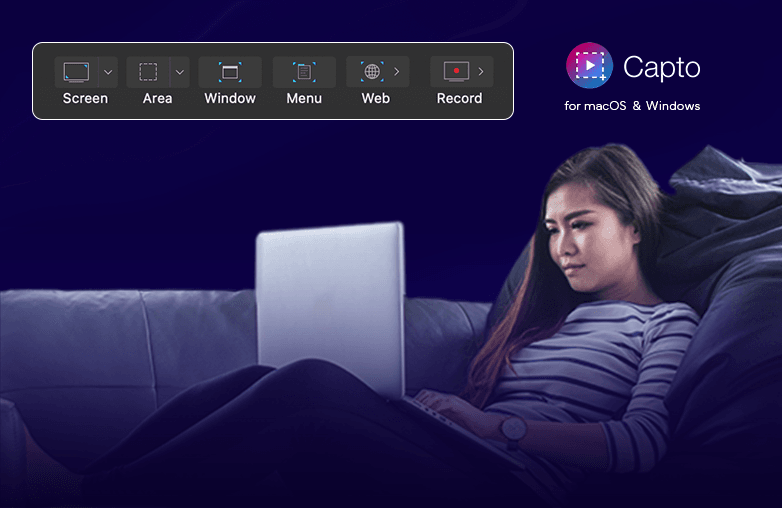
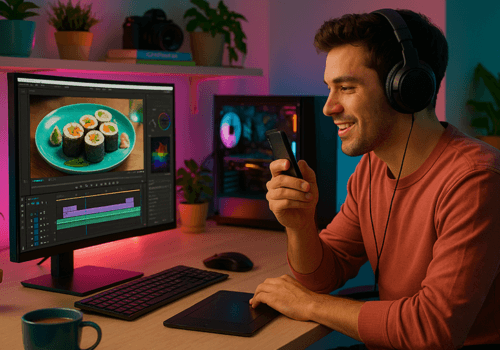
Video editor voice-over timeline interface screenshot
Camtasia: Screen Recorder and Video Editor
Camtasia is great for tutorials, training videos, or step-by-step educational content. It is easy to use; even if you’re new to video editing, you can easily understand its features. It’s a simple tool, but it doesn’t sacrifice quality.
You can easily record voice in video editors while capturing your screen. You can speak, pause, re-record sections, and fine-tune your audio directly inside the editor. It is a reliable video editor voice-over platform to make your content look professional. It helps you create professional content and also makes sure your voice-overs are clear. You can download Camtasia on Mac or Windows 10 or later.
Best for: Educators & online trainers.
Final Cut Pro: Voice-Over Software for Mac
Final Cut Pro is another top choice for content creators who work on Mac. It helps you get professional-quality voiceovers without any technical complexity. As a premium video editor voice-over option, it offers advanced editing tools with an intuitive layout.
Its magnetic timeline is another great feature. Clips automatically snap into place, so when you add narration video editor style, your voice stays perfectly in sync with your visuals. You can record your voice directly inside the project, listen in real-time, and make adjustments.
Best for: Mac users, professional creators, and high-quality content producers.
Filmora: AI-Powered Editing Software
Filmora is perfect for both beginners and professionals. If you’re new to video editing, this video editor voice-over tool makes the process feel simple. Instead of complicated settings, you get an easy experience that helps you record and edit with confidence, even if it’s your first project.
It offers one-click audio enhancement for clearer narration, voice effects for creative storytelling, and more. If you want results that look professional without investing much time and effort, download Fimora.
Best for: Beginner to intermediate creators.
Tips to Improve Your Video Editor Voice-Over Quality
No matter which video editor voice-over software you use, the way your voice sounds can help you make your content stand out. A clear, natural voice helps your audience stay focused and connected to your content. Follow these simple tips to improve how your voice-over sounds.
- Use an external microphone for better and clearer sound.
- Record in a quiet space to avoid background distractions.
- Speak slowly and in a confident tone.
- Keep a steady distance from the mic.
- Always preview your audio before exporting.
When you combine these small steps with the right tools, you’ll notice a big difference in how you edit voice in video app projects. Your voice will sound more natural and engaging, which will help your viewers connect with you.
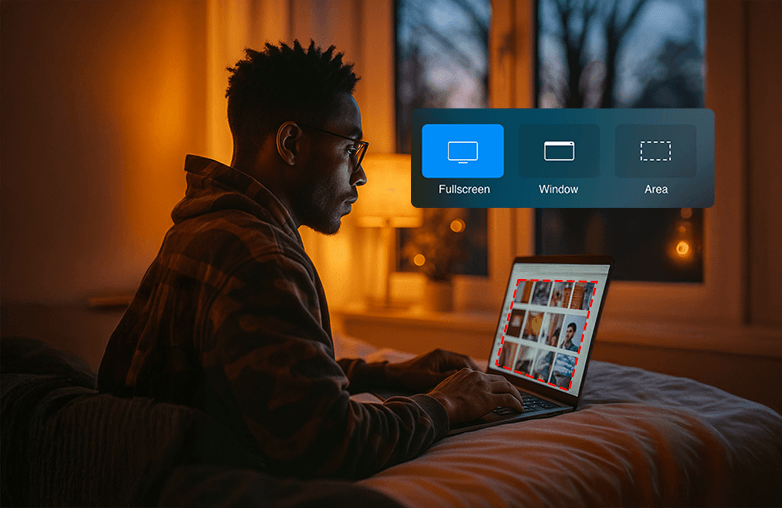
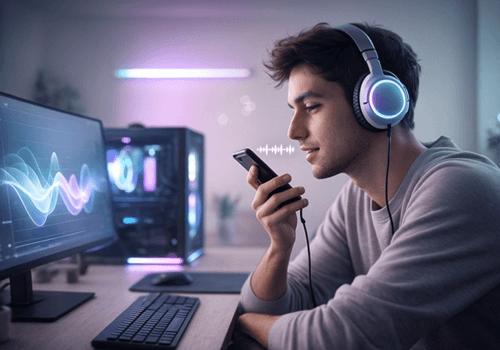
Screen recording with voice-over example
Bottom Line
Choosing the right video editor voice-over tool can take your content from being ordinary to extraordinary. Download the best app that ticks all the boxes on your checklist. After all, great visuals catch attention, but a strong voice-over brings the video to life.
FAQs
Why should I use a video editor voice-over tool instead of separate software?
Using a built-in video editor voice-over tool saves time. It lets you record voice in a video editor, edit it, and align it perfectly with visuals in one place.
Which is the best video editor voice-over tool for beginners?
For beginners, Capto, Camtasia, Final Cut Pro, and Filmora are video editor voice-over options.
Is Capto good for voice-over recording?
Yes, Capto is a great video editor voice-over tool for screen recordings and editing content.









Pingback: Find copyright-free music for voice recordings - Global Delight
Pingback: Beginner Friendly Video Editor Tools - Global Delight
Pingback: Record Voice-Over Videos Easily - Built-In Voice Recording