



























The best way to explain a complex task is to create a step-by-step instructional video. They are informative and easy to understand. If you have ever clicked on how-to videos, chances are you’ve come across a shaky camera, steps that are explained too quickly, and a robotic voice that kills your interest.
Quick Definition:
An instructional video is a step-by-step visual guide that teaches a task clearly using demonstrations, screen recordings, or real-time narration.
The good news is that creating an engaging video does not require an expensive setup. With a bit of planning, the right tools, and some practical instructional video tips, you can create videos that stand out. In this blog, we will introduce the best ways to create instructional videos, helping business owners, creators, educators, and others who want to make their videos informative and engaging. Here we go!
How Step-by-Step Videos Can Help Improve Productivity and Time
We often get involved in big goals and overlook small tasks. However, those small tasks can be the leading step towards success. They can be the foundation that helps you move in the right direction. Let’s have a look at how these small tasks help you in a big way!
Save your Time
There is no need to explain how important time is; we’ve all experienced its significance in our own ways as life moves on. When you provide step-by-step instructions to your students, employees, colleagues, or clients, they save a lot of time. These instructional videos are also helpful in travel, food, and other vlogs as they explain the concept in detail.
Instead of searching for information and losing an hour or two, with your clear instruction, they get a clear idea of what has to be done. By showing them how to make step-by-step videos, they can solve problems independently and become more productive with your clear instructions.
How to make step-by-step videos
It can also Help You Save CostsWhen time is wasted fixing problems, your work gets delayed, and this can negatively impact your profit. When clear instructions are provided, there is no confusion, and productivity improvements are clearly noticeable.
By following a well-structured tutorial video creation guide, teams can work more efficiently and resolve issues faster. Over time, this will improve clarity and ensure smoother workflows, ultimately proving to be the real cost-saving for your business.
You can also check: Best Video Editors with Built-In Voice-Over Tools.
Stronger Process Guidelines
Whether a student or employee, a lot of time is wasted waiting for instructions. When you’re managing a large or growing team, it’s always a good idea to give simple, easy-to-follow documentation for everyday tasks. This is where it becomes essential to create instructional content that clearly explains what needs to be done.
When there is a step-by-step guide, you ensure that everyone is on the same page, and there is no confusion. Whether it’s a student or employee, with a clear guide, everyone knows what work has to be done.
Tips to Create Engaging Videos
Know Your Audience
Before you start creating videos, understand your audience and their preferences. You should list down important points like: Are they beginners or seasoned pros? What are the problems you’re gonna solve? and others. Answering these questions can help you get clarity.
This kind of clarity ensures your instructional video stays on track, conveys the right message without unnecessary information.
Organize your Workflows
For instance, if you’re creating how-to videos, there’s probably more than one video. In no time, you’ll have more than 10 videos, and you’ll find yourself juggling between them, trying to remember which one is where. The only solution is to keep your videos organized.
Try Capto to organize all your tutorial recordings easily.
One of the most practical instructional video tips is to use a video editing app that helps keep your recordings organized. You can try Capto for Mac or Windows. It offers easy file management, you can create folders, name, and rename files. All your files are kept organized in one place.
Keep Your Visuals Clear
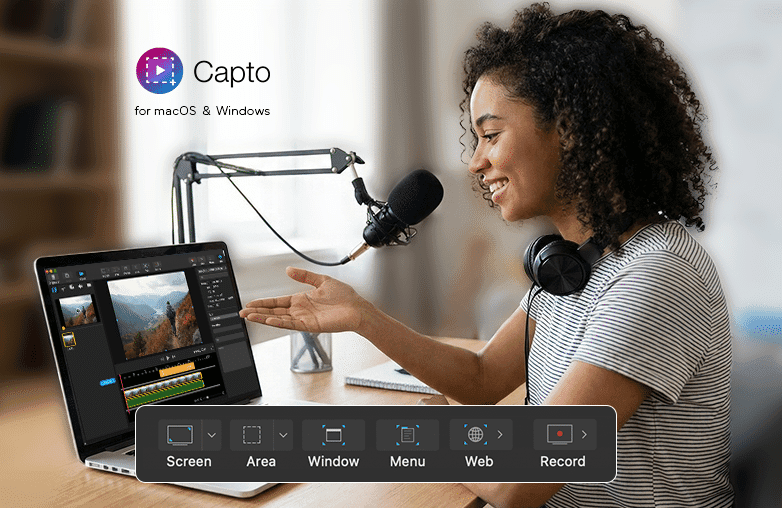
It’s always a good idea to use images in your instructional videos. However, one thing you need to make sure of is that the images are of high-quality. This is where Capto will help you stand out. It’s built specifically for high-quality screen recording for tutorials and other instructional videos, making the entire process simple. With one click, you can record your entire screen, a selected window, or just a specific area. You can skip the complex settings and create high-quality instructional videos in minutes.
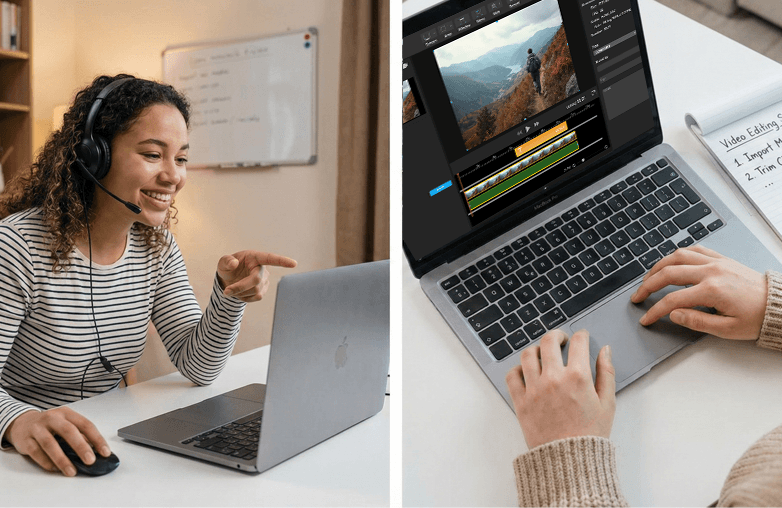
Moreover, you don’t have to look for advanced equipment; you can record videos with your webcam and microphone.
You may also find this blog helpful: Best Voice Recorder Apps for Gamers.
Edit Your Videos
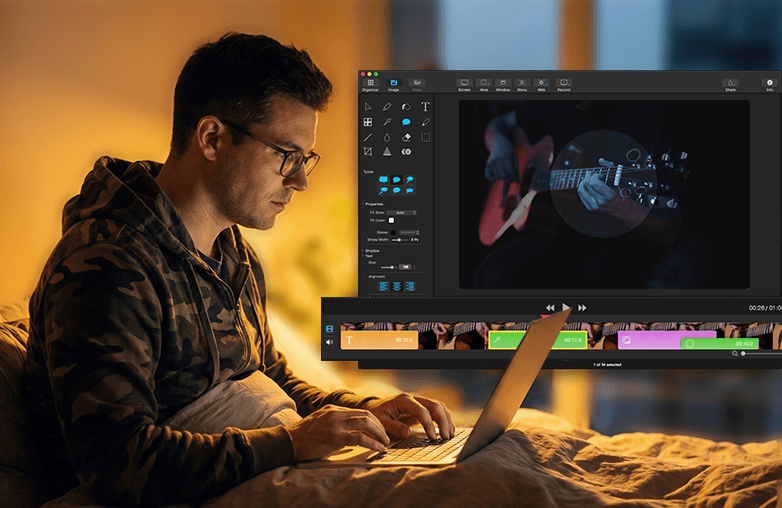
One of the main beginner instructional video tips is to review and edit your content. Even if you’ve been creating instructional videos, reviewing and editing can make your videos look professional. You can use zoom-ins, arrows, or text highlights to point out important buttons or steps.
Use Capto’s annotation tools to highlight every step clearly.
Capto offers a built-in editor within the app, where you can easily zoom in on a cursor click, add arrows, shapes, and text annotations that make your instructions easy to follow. No need for a separate, complicated editing program.
Bottom Line
You can now create step-by-step instructional videos without complex workflows and technical knowledge. By applying these practical instructional video tips and using software like Capto, you can save time and help viewers follow the steps easily.
Download Capto for Mac or Windows and start creating instructional content today.
Instructional video tips
FAQs
Do I need expensive equipment to create instructional videos?
No, you don’t need expensive equipment to record your screen. A good screen recording tool like Capto is enough to create high-quality instructional videos.
How long should a step-by-step instructional video be?
Most viewers prefer videos between 3 to 10 minutes. Keep it short and informative, and avoid adding unnecessary information.
Should I include voice-over in instructional videos?
Yes, a clear voice-over helps explain steps easily and can engage viewers. Adding a voice-over is the best way to add a personal touch to your videos.
Sources: techsmith, riverside